

Magenest AI Knowledge Hub
Add a review
Magenest AI Knowledge Hub
Add a review
Description
AI Knowledge Hub is a platform that helps businesses manage internal documents and use multiple AI models in one system. Users can ask questions, search for information, analyze documents, and work with different AI models without switching between tools.
AI can answer based on company-provided documents and show sources for users to verify. The system helps employees find information faster, standardizes how AI is used across the organization, and gives administrators control over users, access rights, usage limits, and AI costs.
- Connect multiple AI providers and models
- Organize documents by department, project, or topic
- Build AI assistants for different business functions
- Standardize prompts and internal terminology
- Connect AI with APIs, tools, and external systems
- Set user permissions and usage limits
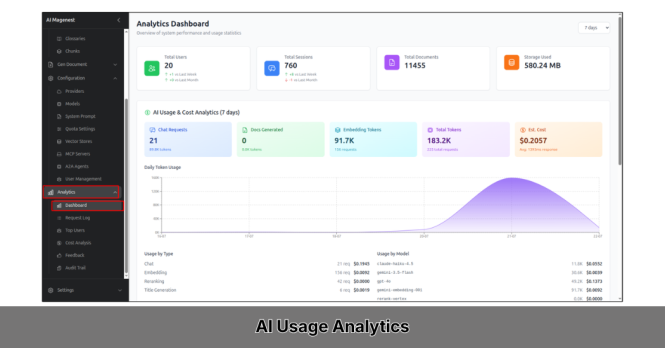
- Track usage, feedback, cost, and activity history
Details
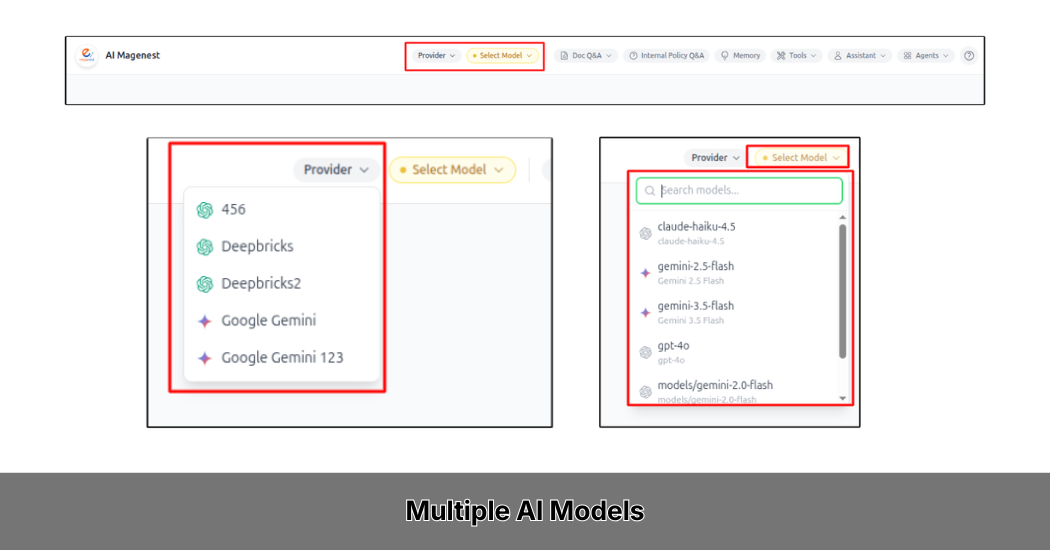
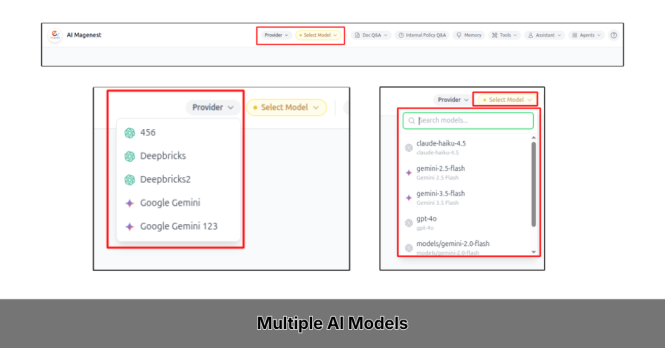
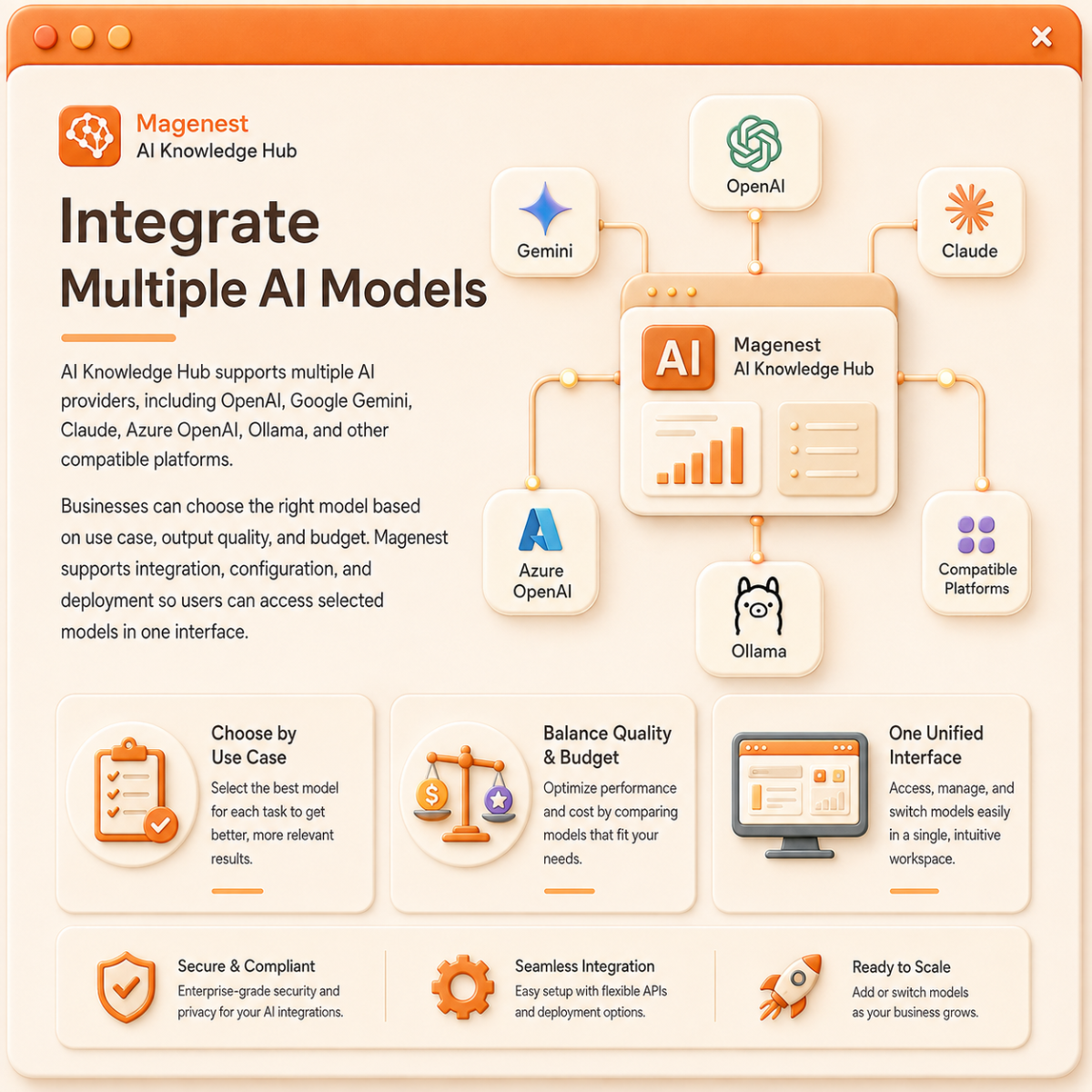
Integrate Multiple AI Models
AI Knowledge Hub supports multiple AI providers, including OpenAI, Google Gemini, Claude, Azure OpenAI, Ollama, and other compatible platforms.
Businesses can choose the right model based on use case, output quality, and budget. Magenest supports integration, configuration, and deployment so users can access selected models in one interface.
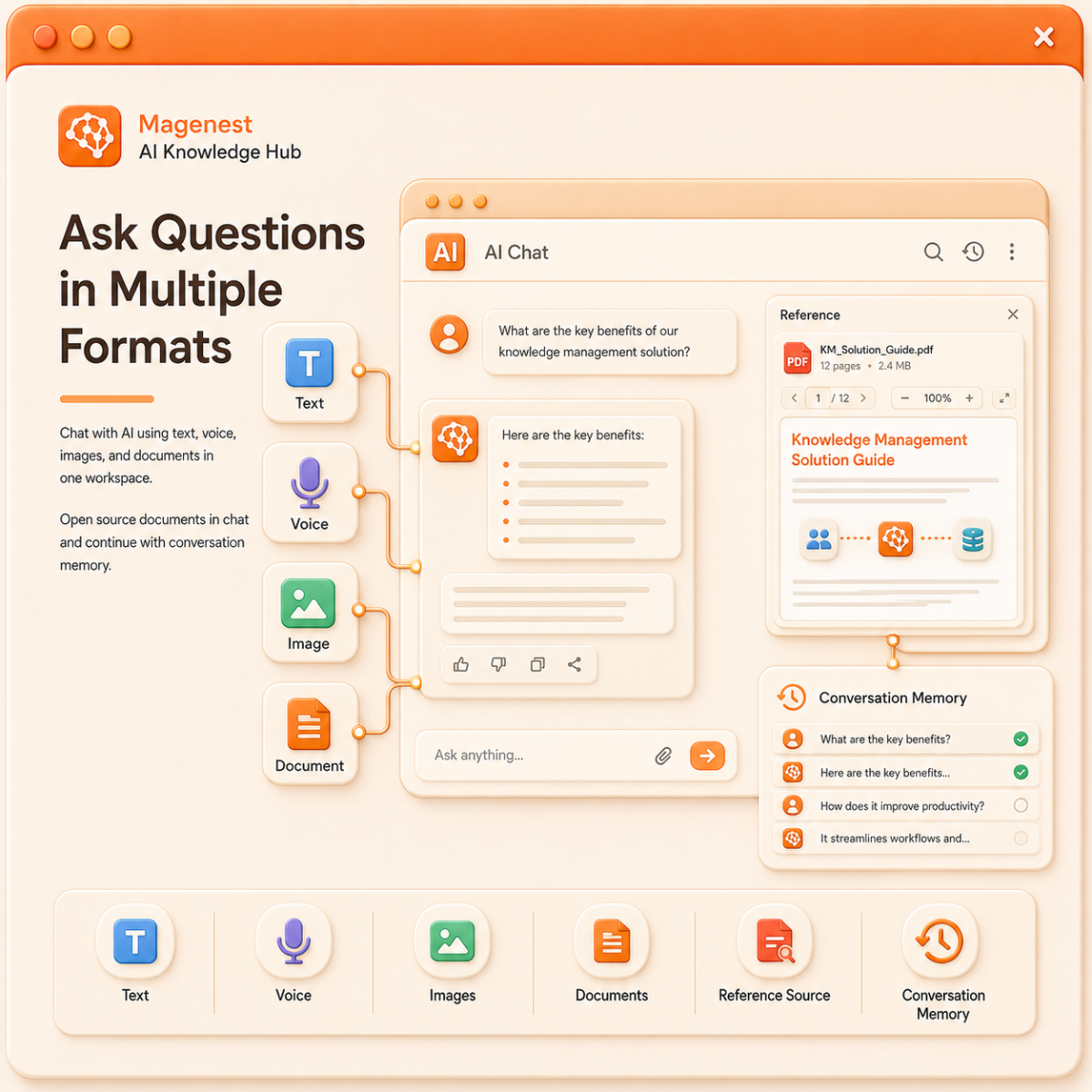
Ask Questions in Multiple Formats
Users can interact with AI through text, voice, images, or uploaded documents directly in the chat.
Reference documents used by AI can be opened on the Chat screen. When conversation memory is enabled, AI can reuse previous context, allowing users to continue their work without repeating information.
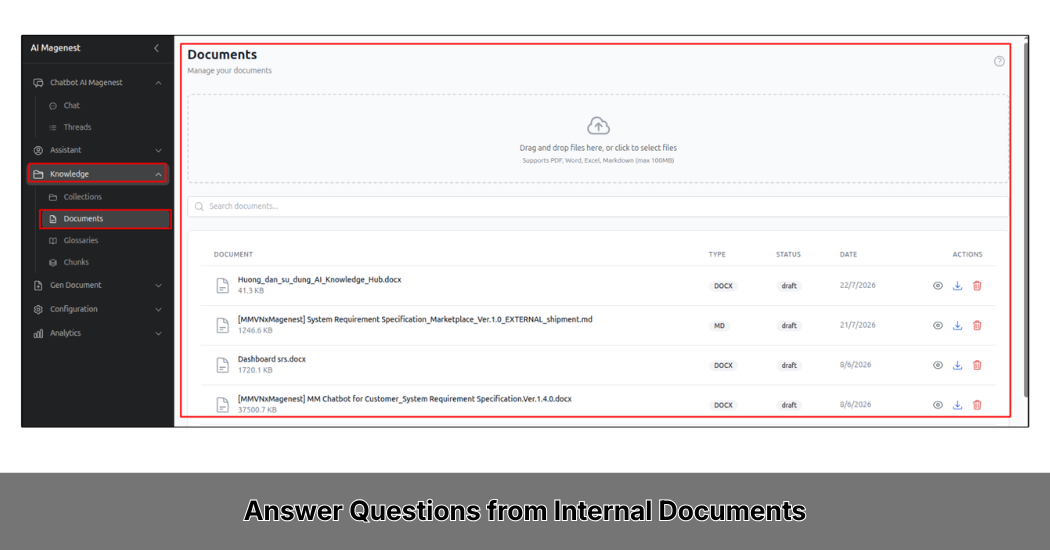
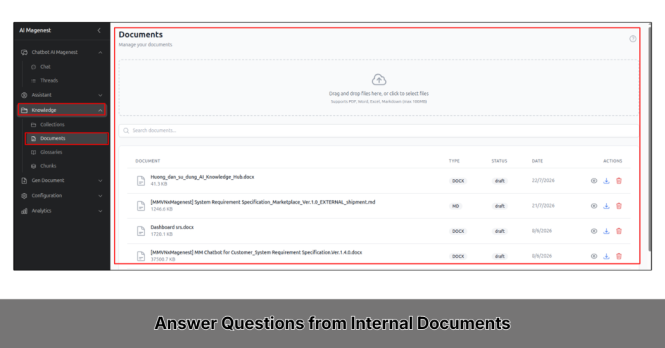
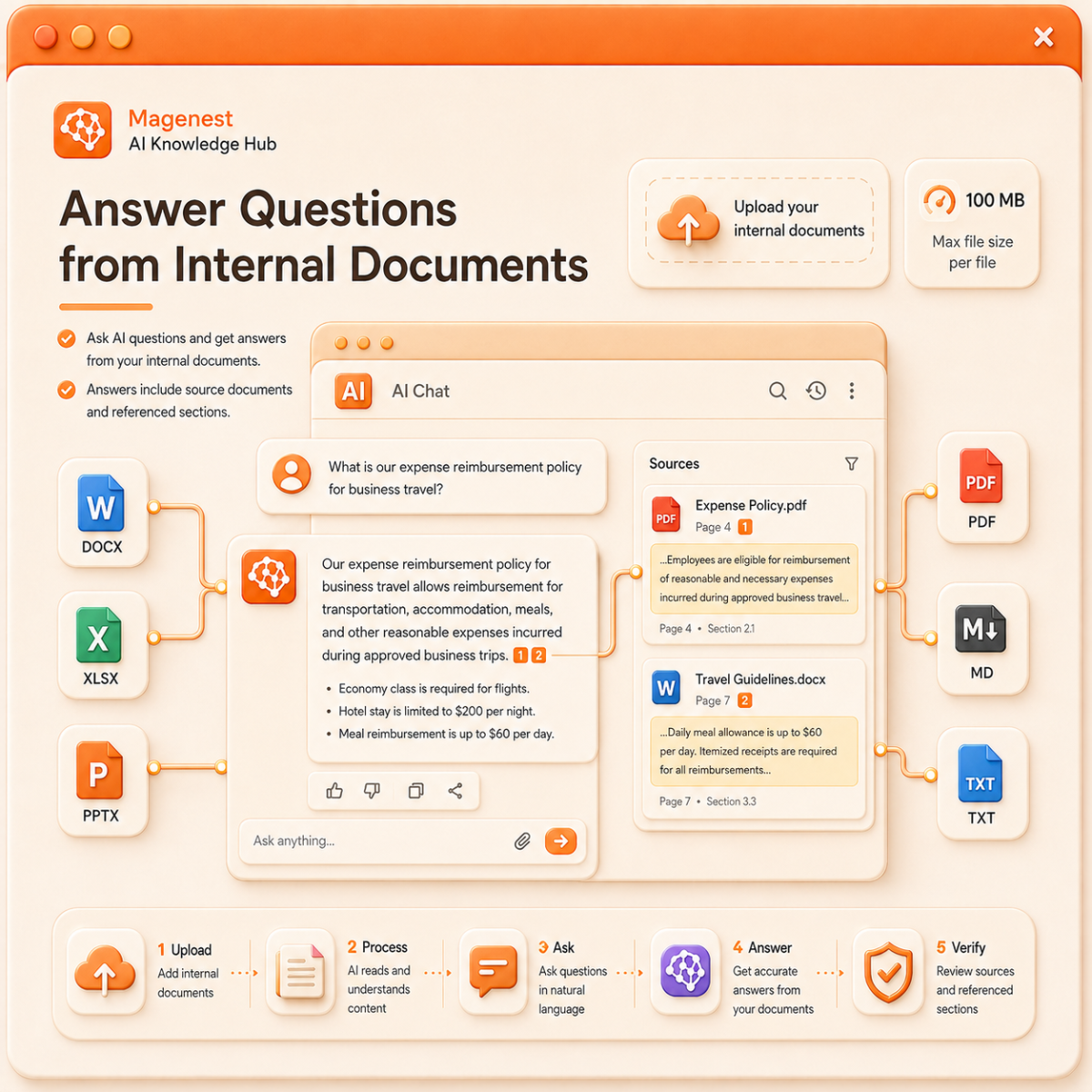
Answer Questions from Internal Documents
Users can ask AI to find answers from documents uploaded to the platform.
AI Knowledge Hub supports Word, Excel, PowerPoint, PDF, Markdown, and text files, with a maximum size of 100 MB per file. Answers can include source documents and referenced content sections, making information easier to check.
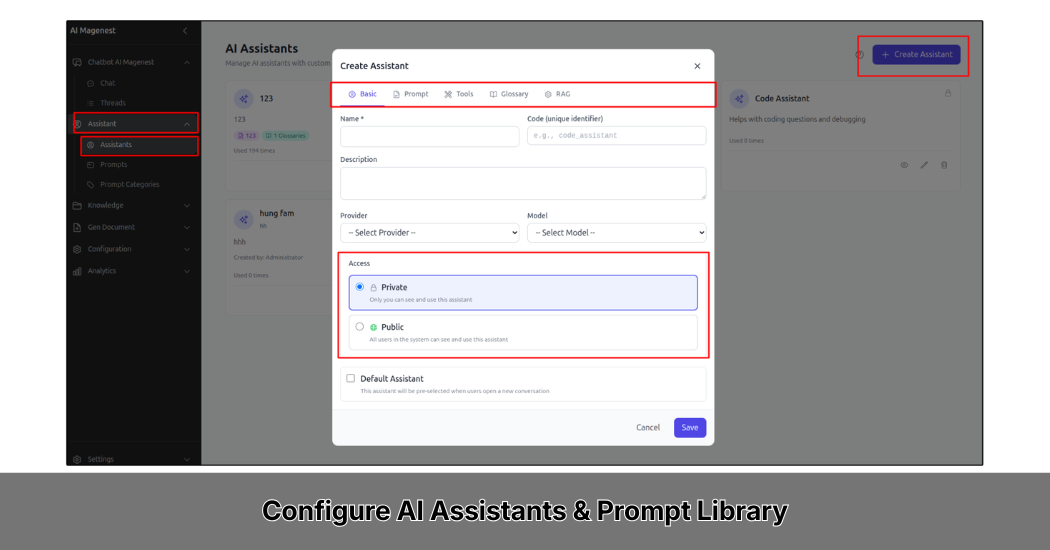
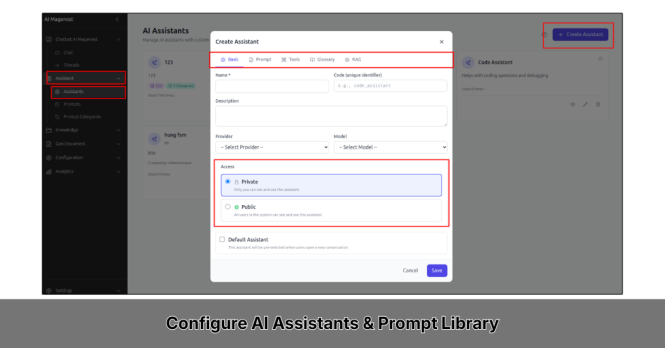
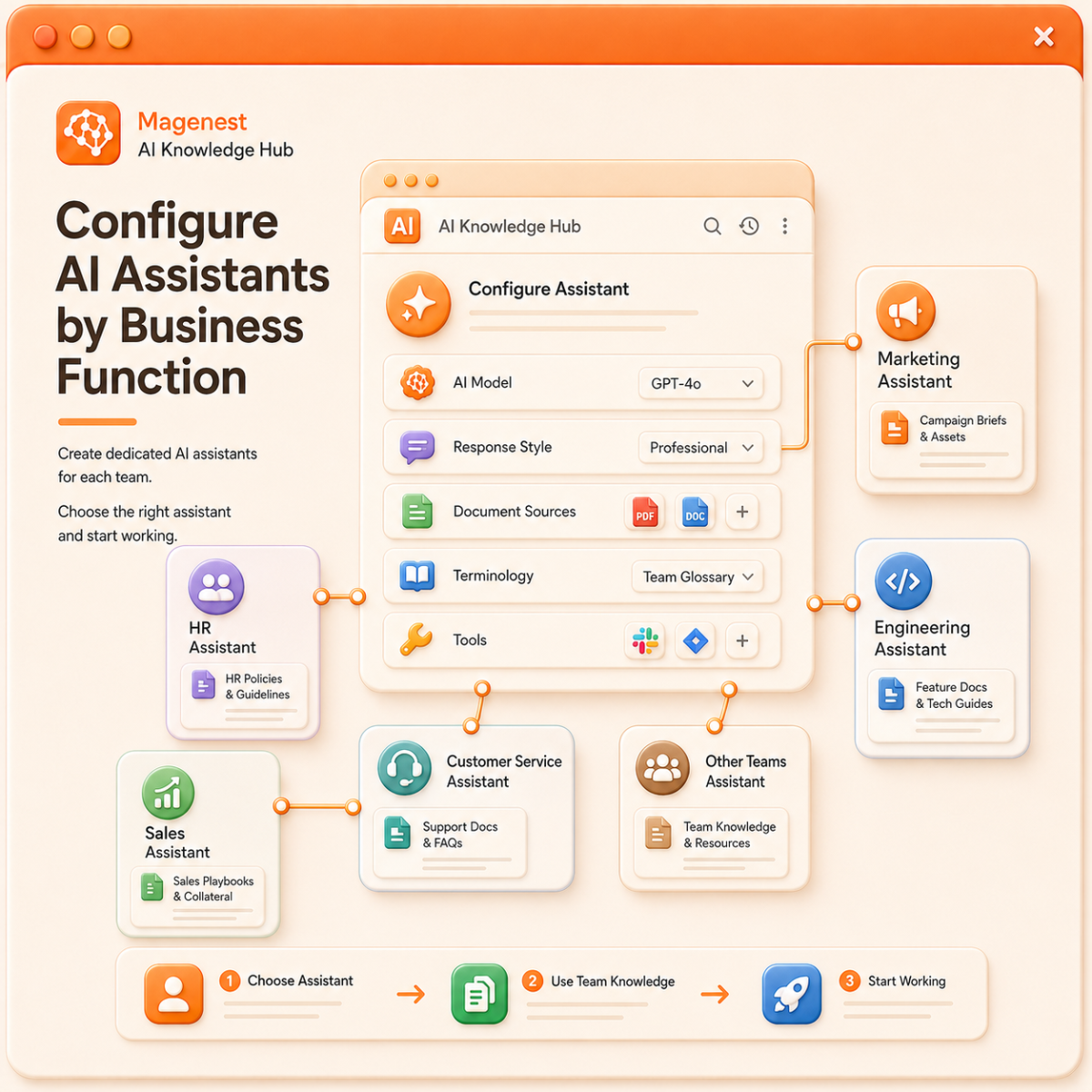
Configure AI Assistants by Business Function
Businesses can create dedicated AI assistants for HR, sales, marketing, engineering, customer service, or other teams.
Each assistant can be configured with its own AI model, response style, document sources, terminology, and available tools. Users only need to choose the right assistant to start working.
For example, an HR assistant can search internal policies, while a product assistant can use feature documents and technical guides.
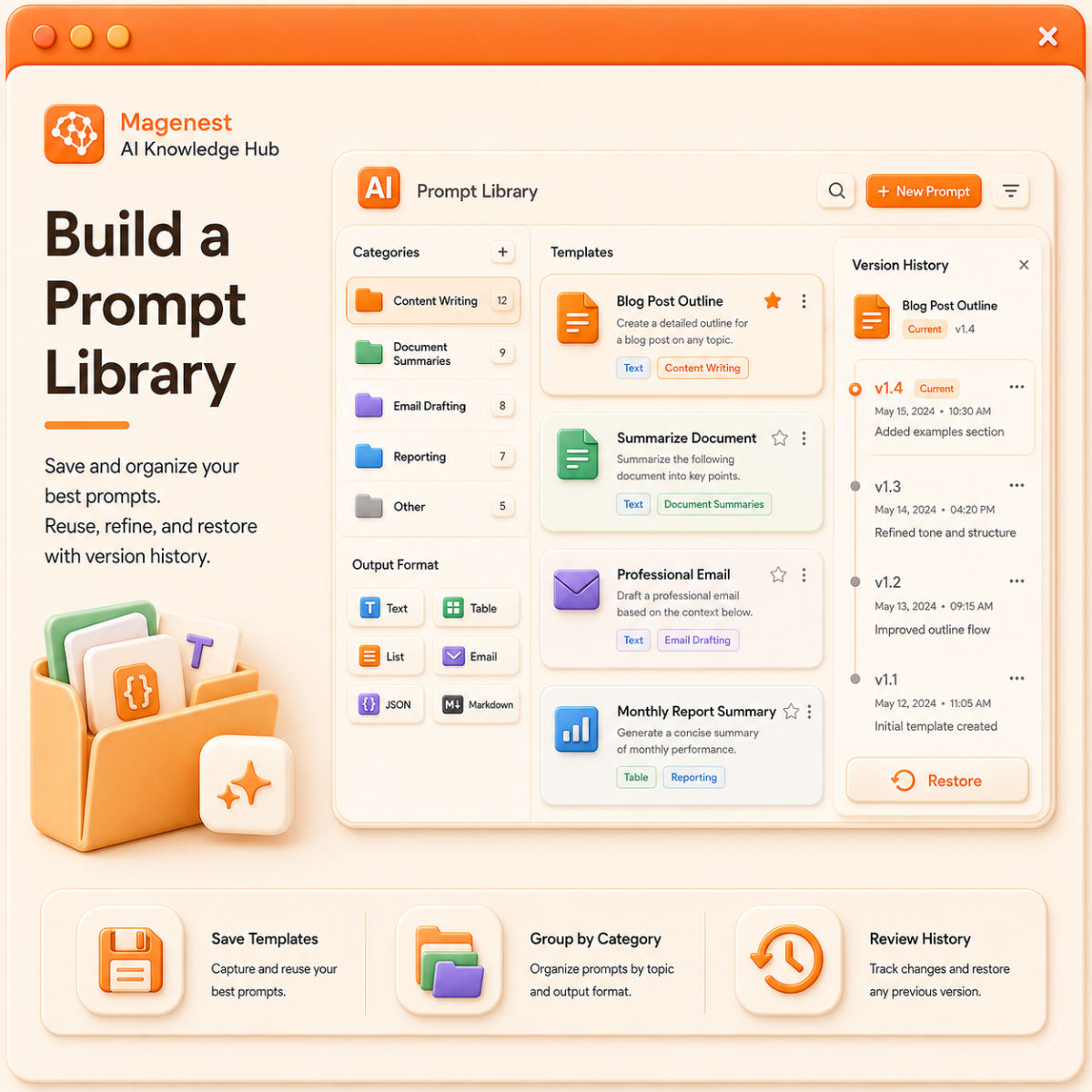
Build a Prompt Library
AI Knowledge Hub allows businesses to create and save prompt templates for recurring tasks such as content writing, document summaries, email drafting, and reporting.
Templates can be grouped by category and output format. The system also keeps edit history, so users can review or restore previous versions when needed.
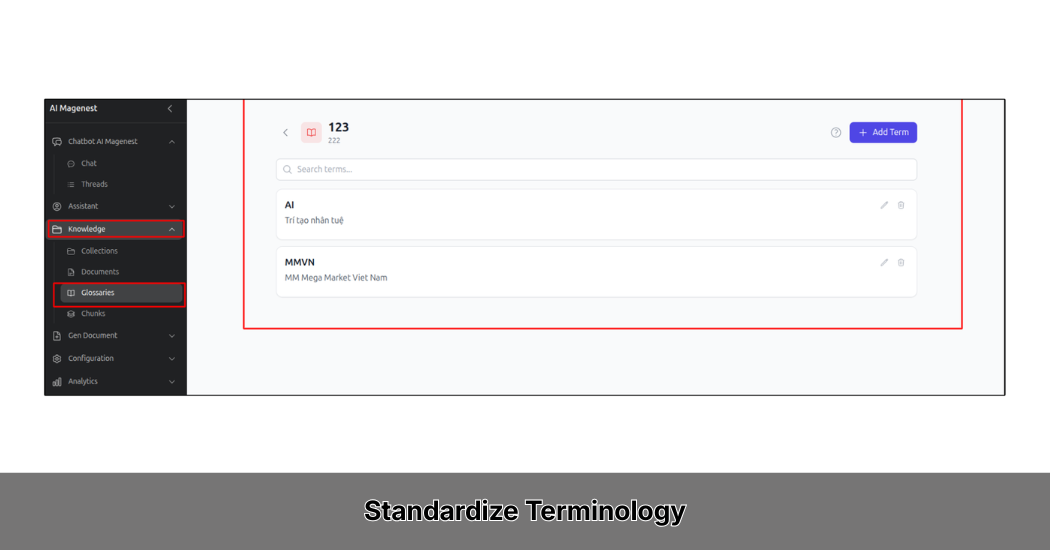
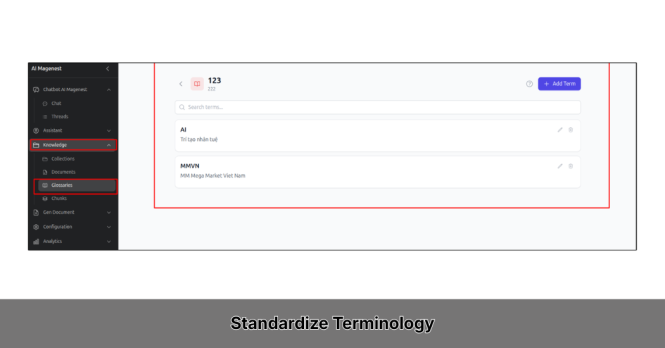
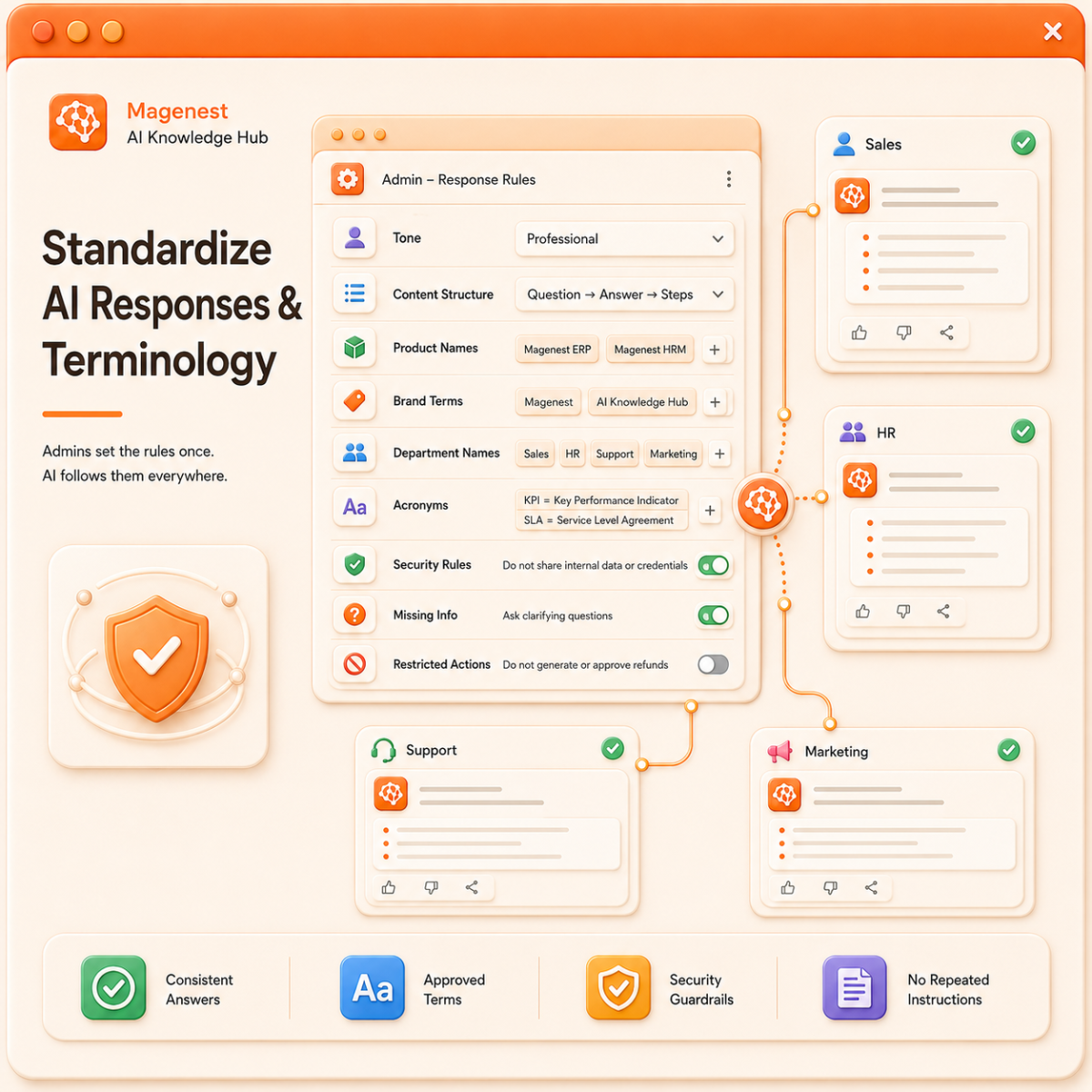
Standardize AI Responses and Terminology
Administrators can define how AI should respond across the system, including tone, content structure, product names, brand terms, department names, and internal process terminology.
The system also supports rules for acronyms, security requirements, missing information, and actions AI is not allowed to perform.
Once configured, these rules apply whenever AI answers or creates content, helping teams maintain consistency without repeating instructions in every chat.
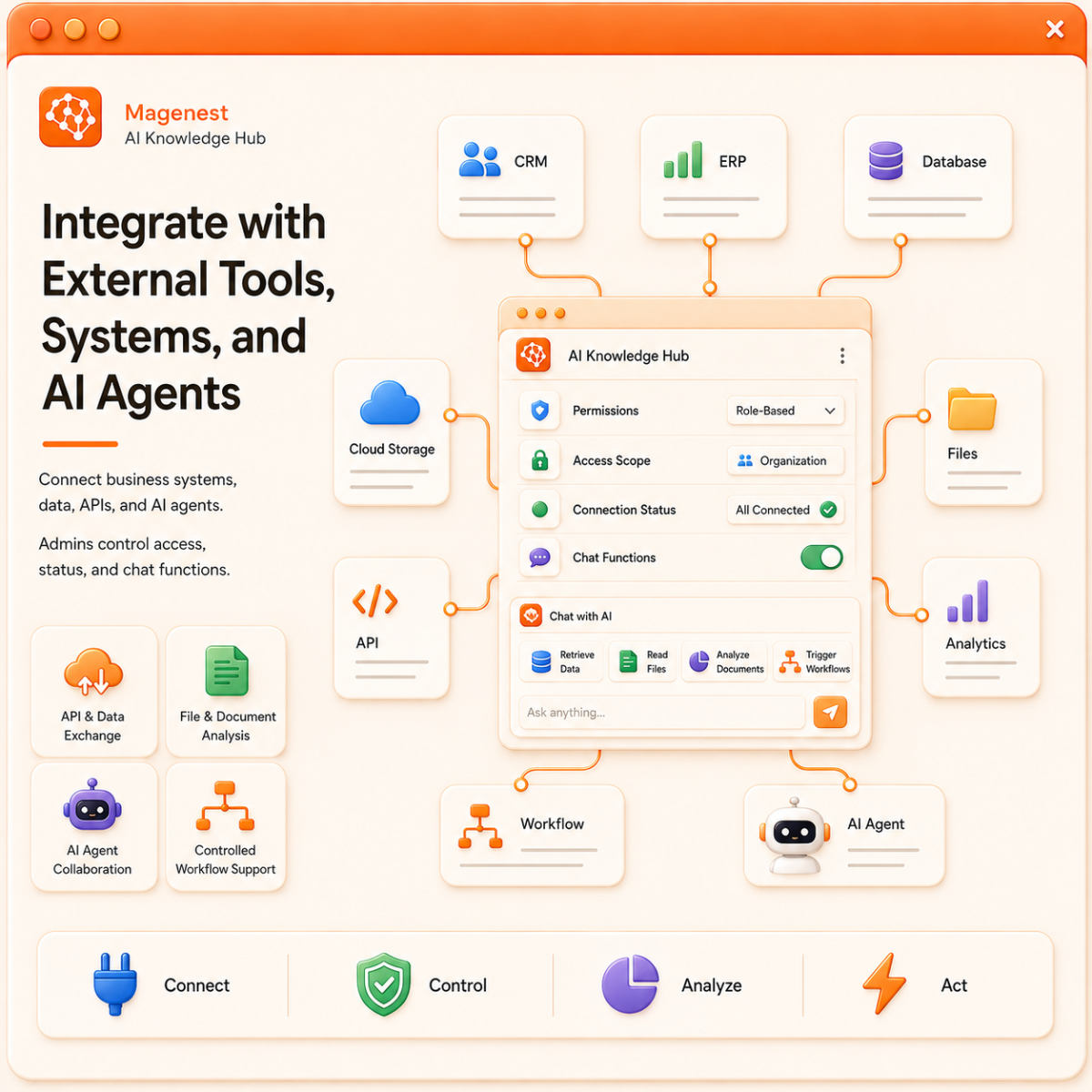
Integrate with External Tools, Systems, and AI Agents
AI Knowledge Hub can connect with software, data sources, APIs, and specialized AI Agents that the business already uses.
With permission, AI can retrieve data, read and analyze files, exchange information through APIs, and support selected workflow steps. Administrators control access scope, connection status, and available functions in Chat.
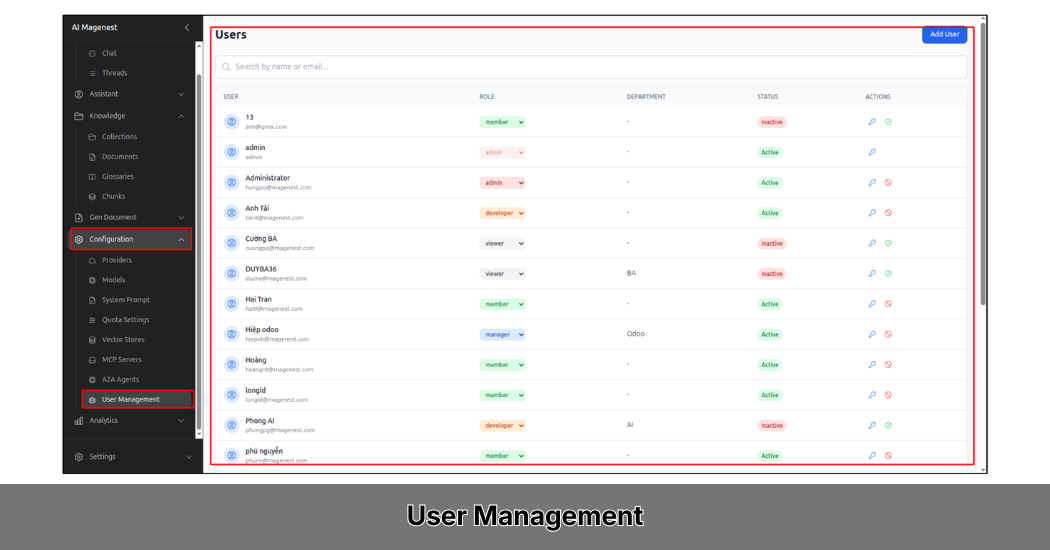
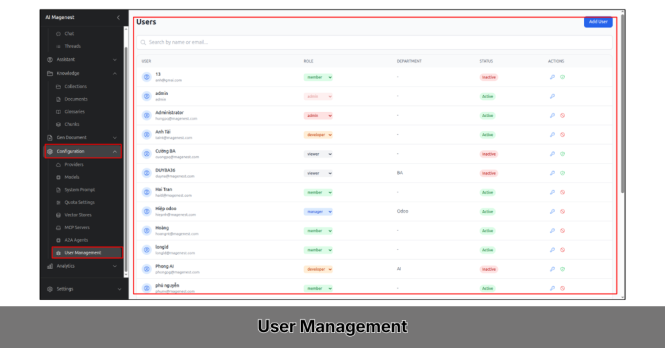
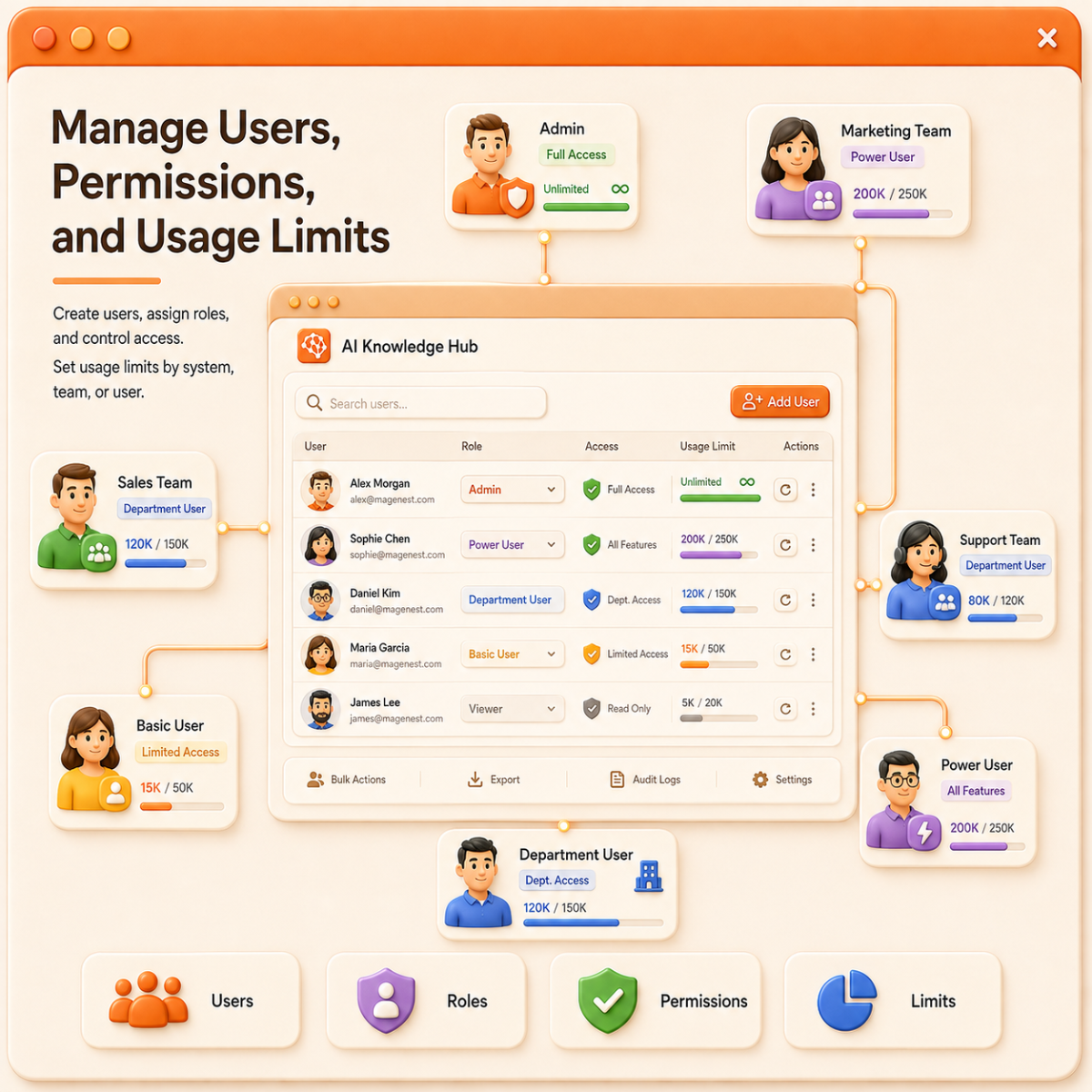
Manage Users, Permissions, and Usage Limits
Businesses can create accounts, assign roles, and define which areas each user can access.
Administrators can add and search users, change roles, reset passwords, manage access rights, and set usage limits for the whole system, departments, or individual users.
Teams with higher AI needs can receive larger limits, while basic users can be assigned suitable usage levels.
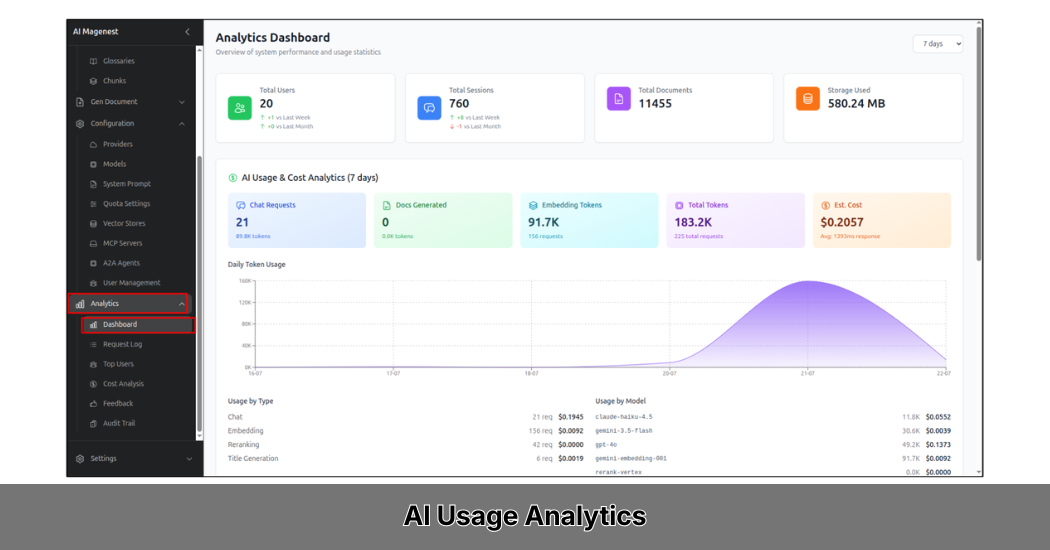
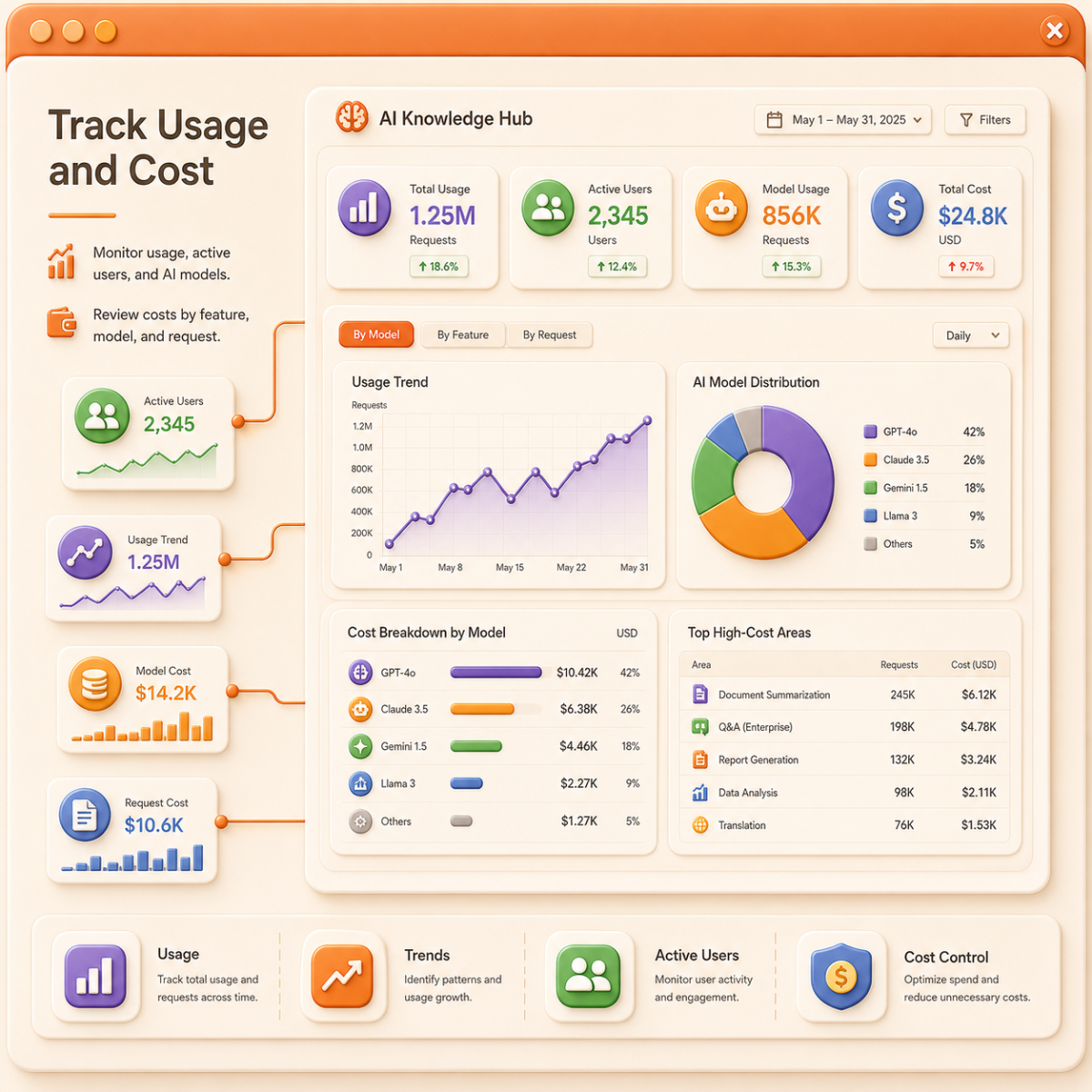
Track Usage and Cost
AI Knowledge Hub provides reports on usage volume, usage trends, active users, and selected AI models.
Costs can be reviewed by model, feature, and AI request. This helps administrators identify high-cost areas and adjust limits or configurations when needed.
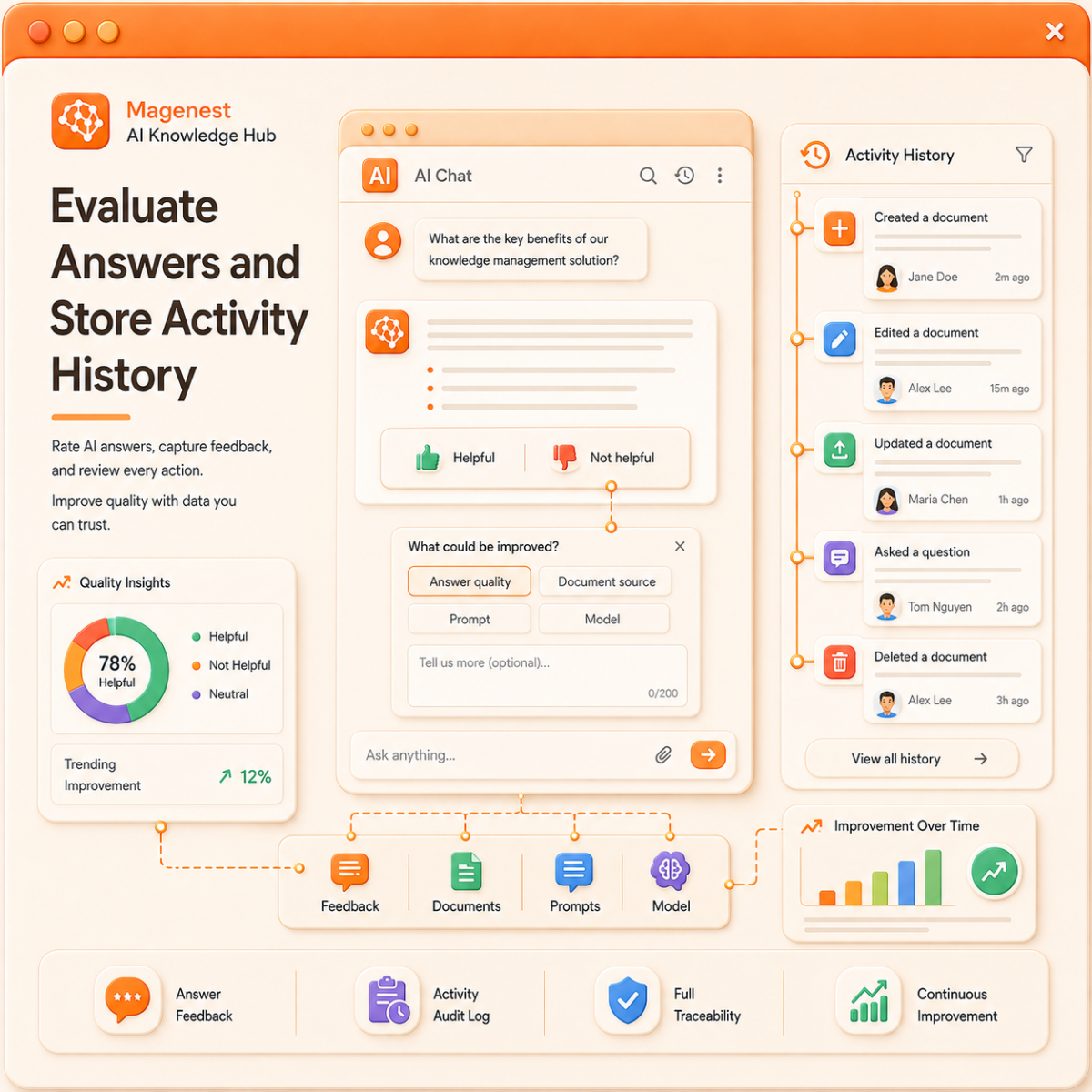
Evaluate Answers and Store Activity History
Users can rate each AI answer as helpful or not helpful. If an answer is not useful, they can leave a reason, helping administrators identify issues related to the answer, documents, prompts, or AI model.
The system also records key actions such as creating, editing, or deleting data, including user and timestamp. This helps businesses review changes, investigate issues, and improve AI quality over time.
Designed for Businesses Scaling AI Across Teams
-
Businesses with many internal documents
Suitable for organizations that need to search across policies, procedures, project files, and internal knowledge.
-
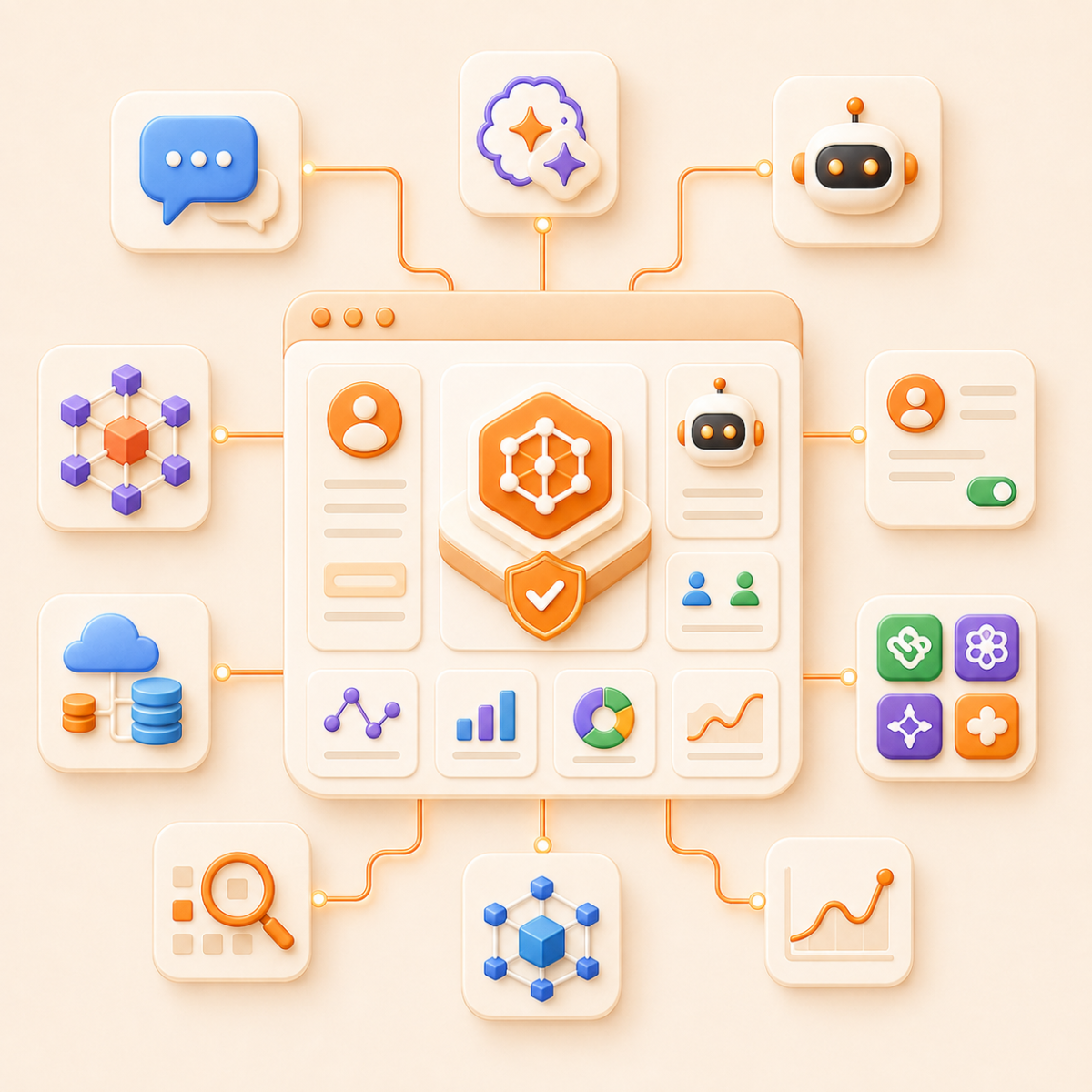
Businesses using separate AI tools
Helps centralize models, accounts, assistants, and AI usage in one controlled system.
-
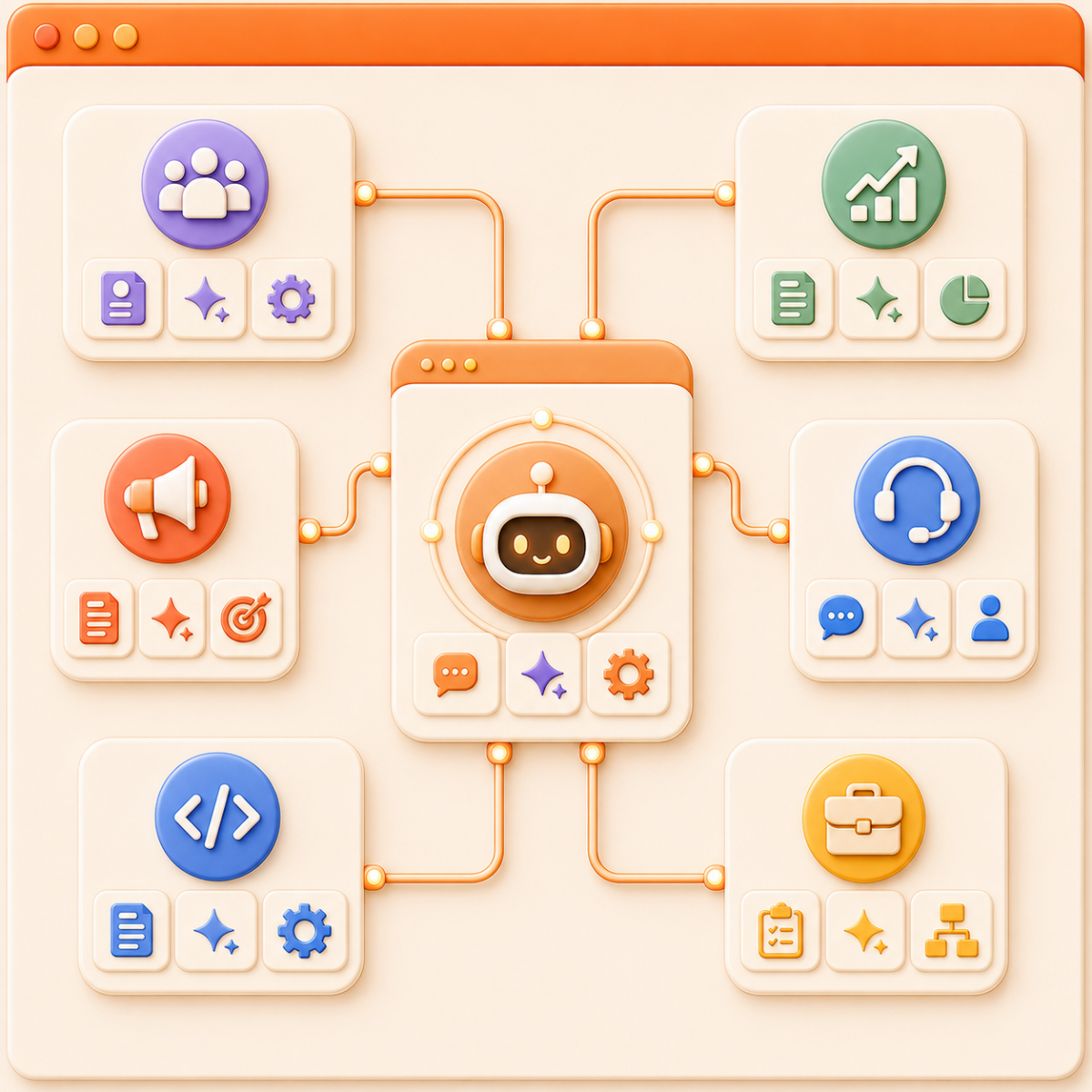
Businesses that need AI assistants by department
Each team can use its own assistant with suitable data, prompts, and tools.
-
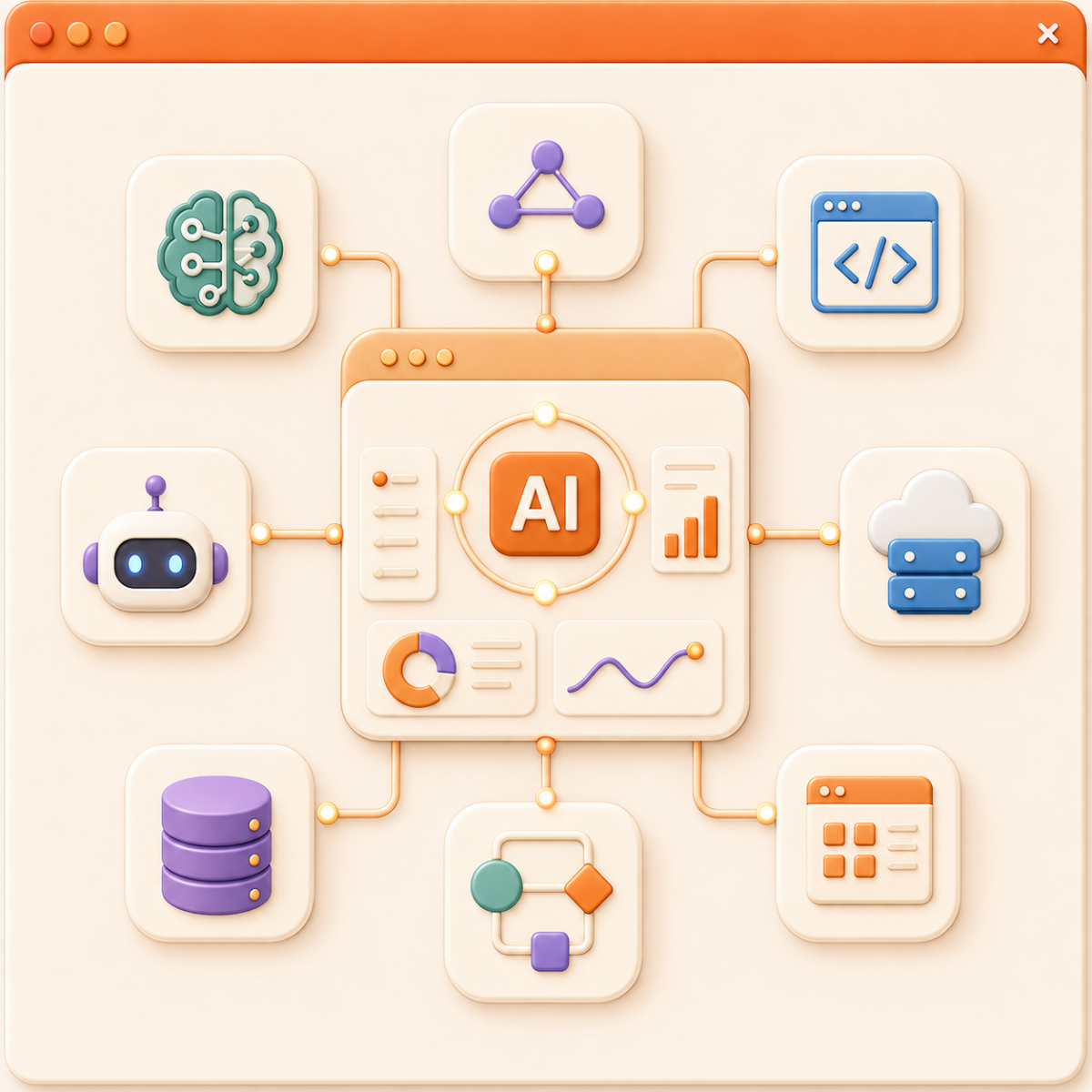
Businesses that want to connect AI with existing systems
The platform can be extended through MCP, APIs, and external AI Agents.
How AI Knowledge Hub Works
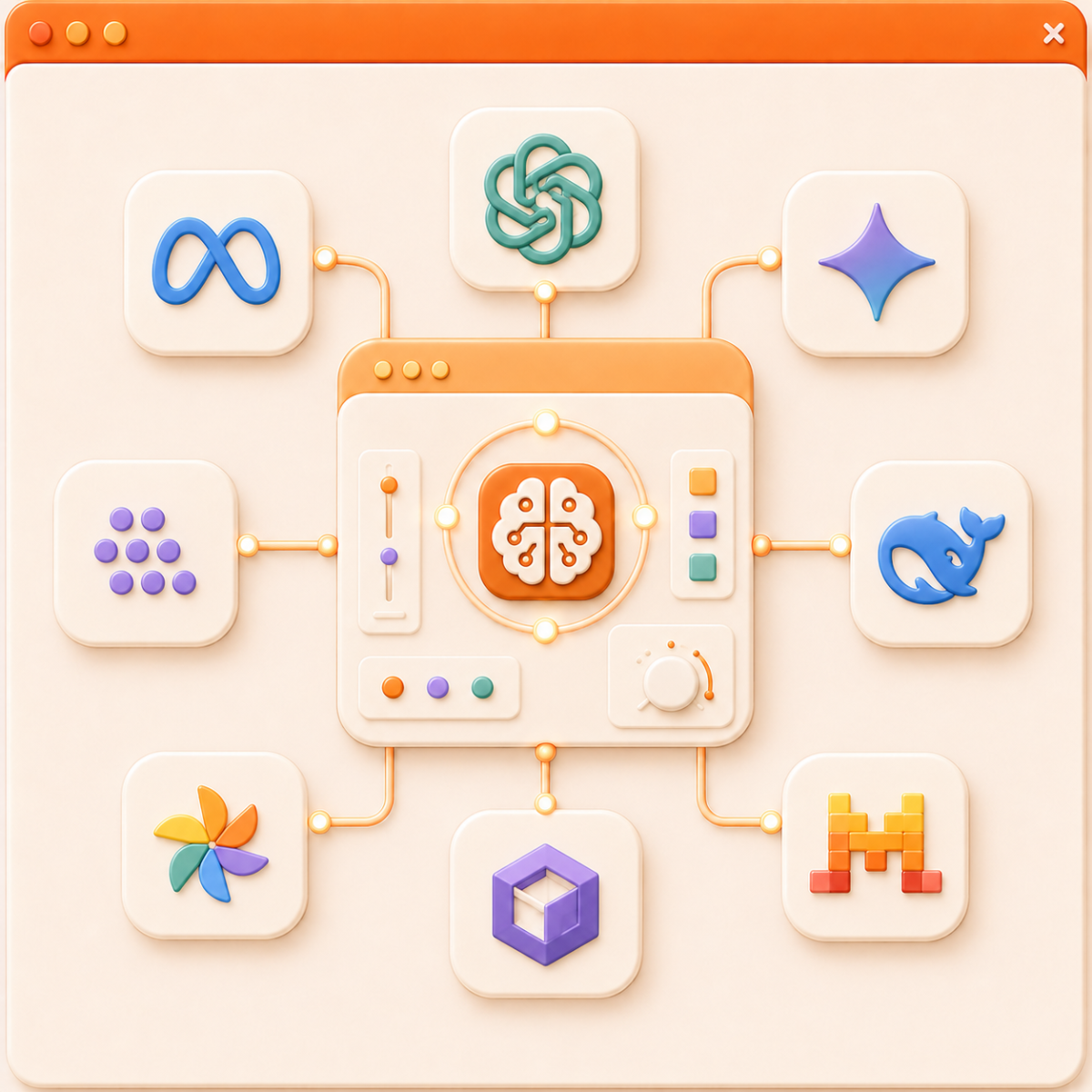
Step 1: Connect AI Models
Configure AI providers and models that fit business needs.
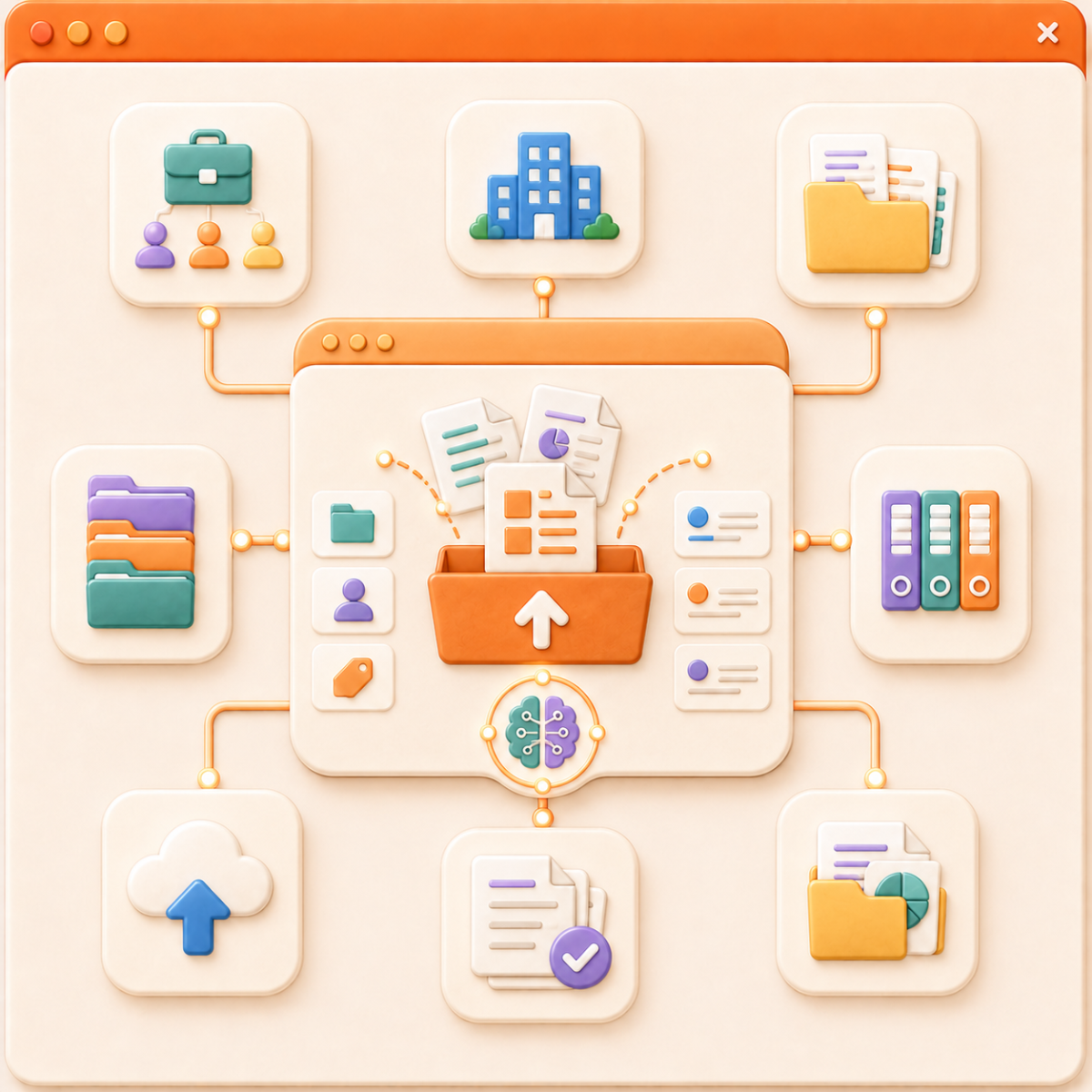
Step 2: Upload Documents
Upload and organize documents by project, department, or topic so AI can search and use the right sources.
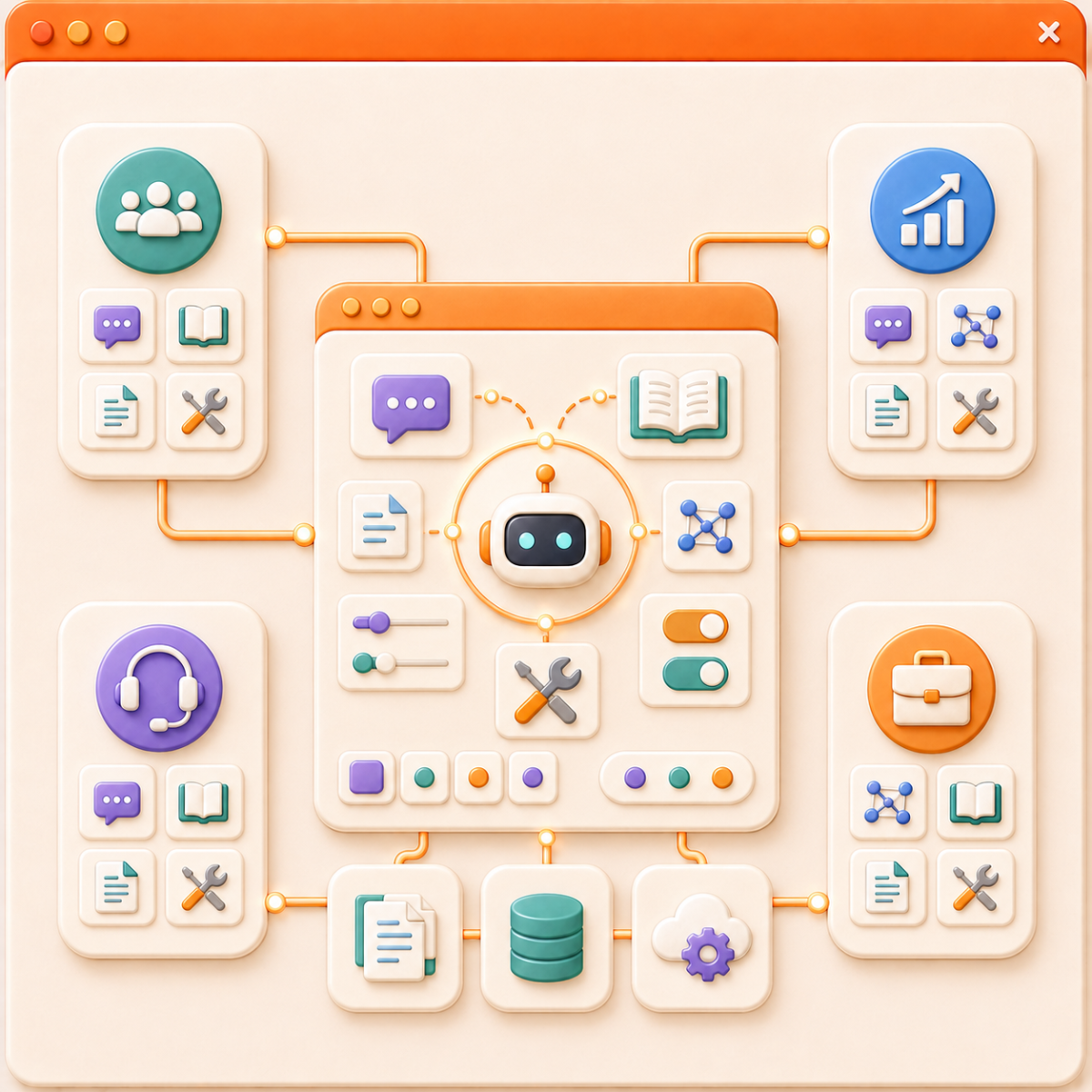
Step 3: Set Up AI Assistants
Configure prompts, terminology, document sources, models, and tools for each assistant.
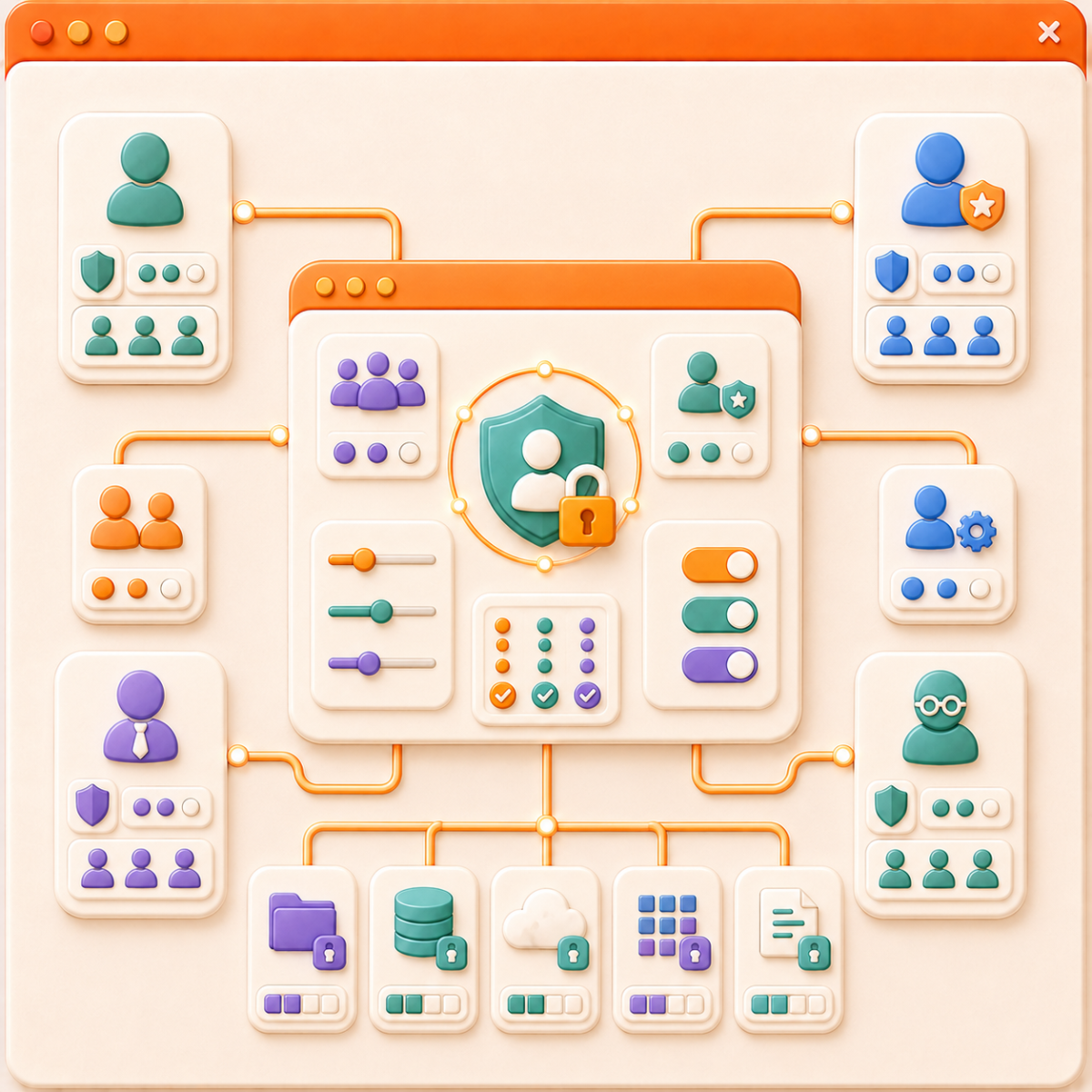
Step 4: Assign User Permissions
Define roles, set usage limits, and control access scope.
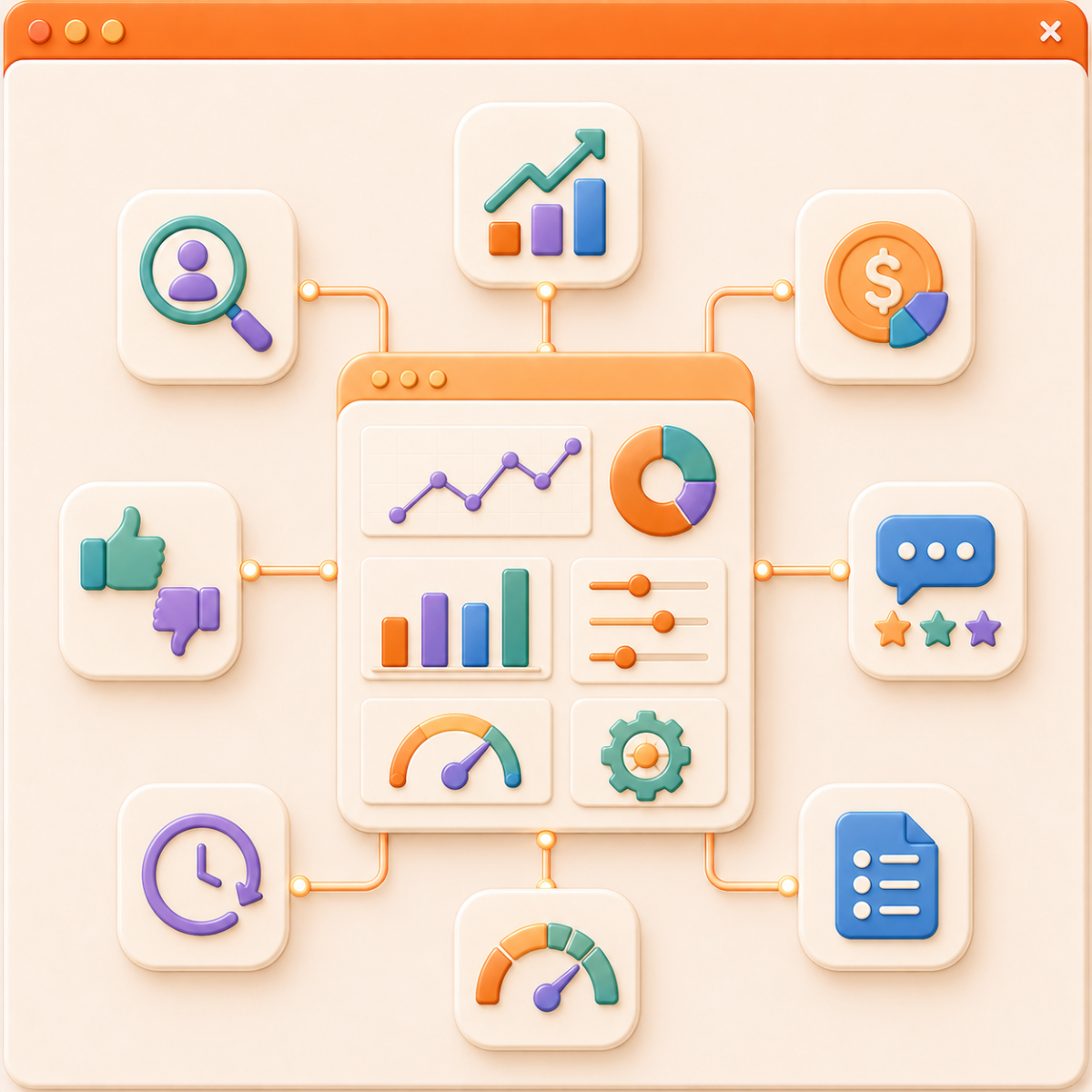
Step 5: Monitor and Optimize
Review usage, cost, feedback, and activity history to improve the system.
Reason to choose Magenest


Free lifetime
software updates

Verified by
Magento Marketplace
One-time payment
without hidden cost