Magento 2 Virtual Try-On for Magento 2
Add a review
Magento 2 Virtual Try-On for Magento 2
Add a review
Description
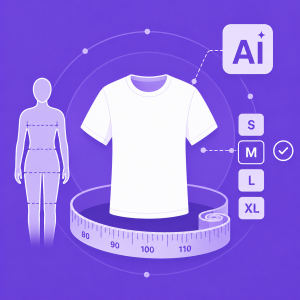
Virtual Try-On helps shoppers preview apparel, accessories, or beauty products on their own body through images. The solution uses AI to automatically detect body areas and apply products naturally, creating a more visual and personalized shopping experience.
With a simple flow, smart image processing, direct product page integration, and flexible product-level configuration, Virtual Try-On helps merchants increase engagement, improve conversion, and create a more differentiated online shopping experience.
- AI-powered Virtual Try-On
- Smart AI image detection and product fitting
- Direct integration with the Product Detail Page
- Optimized experience for both mobile and desktop




Details
Why Use Virtual Try-On?
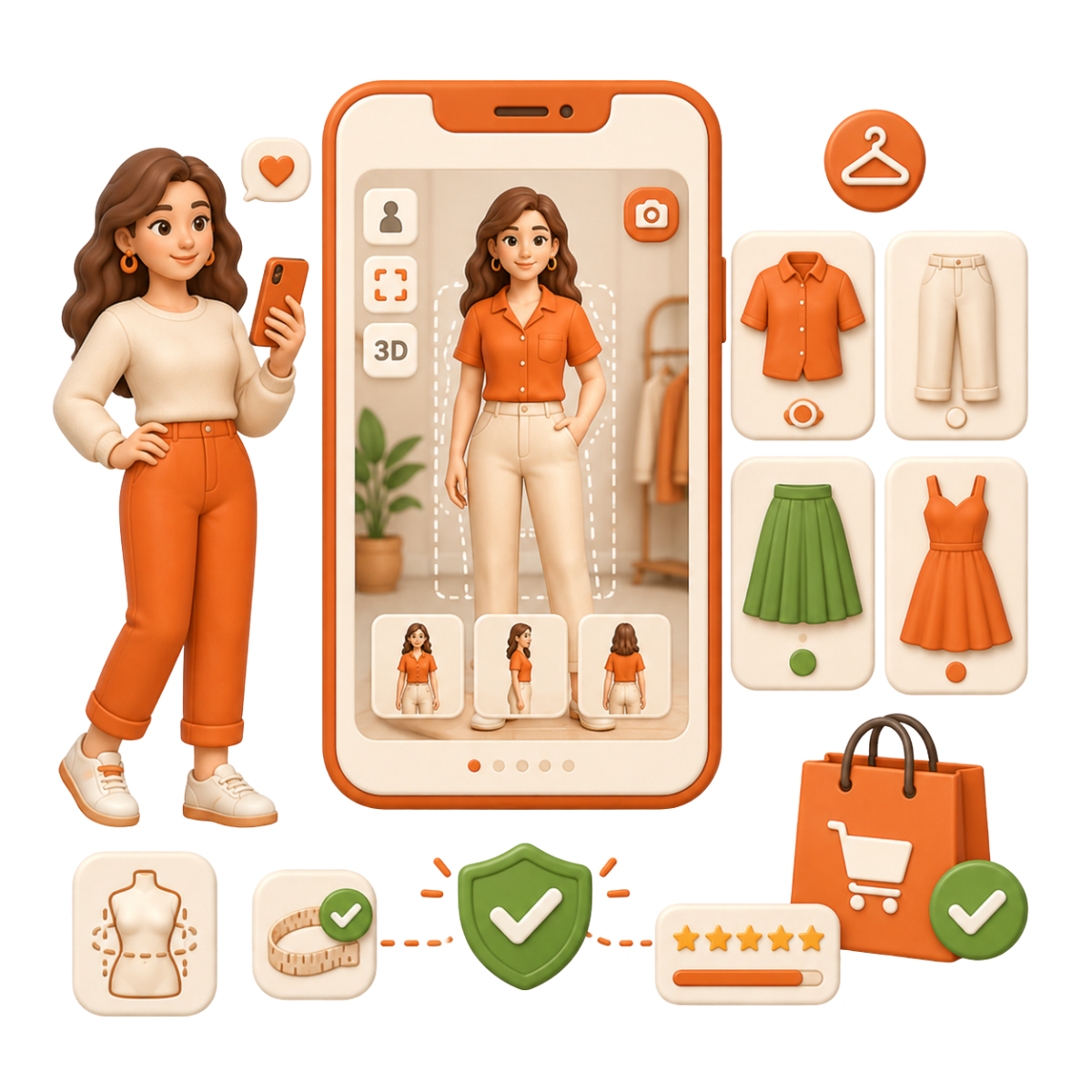
Fashion & Apparel
Shirts, pants, skirts, and dresses - shoppers can preview how the item fits before buying.
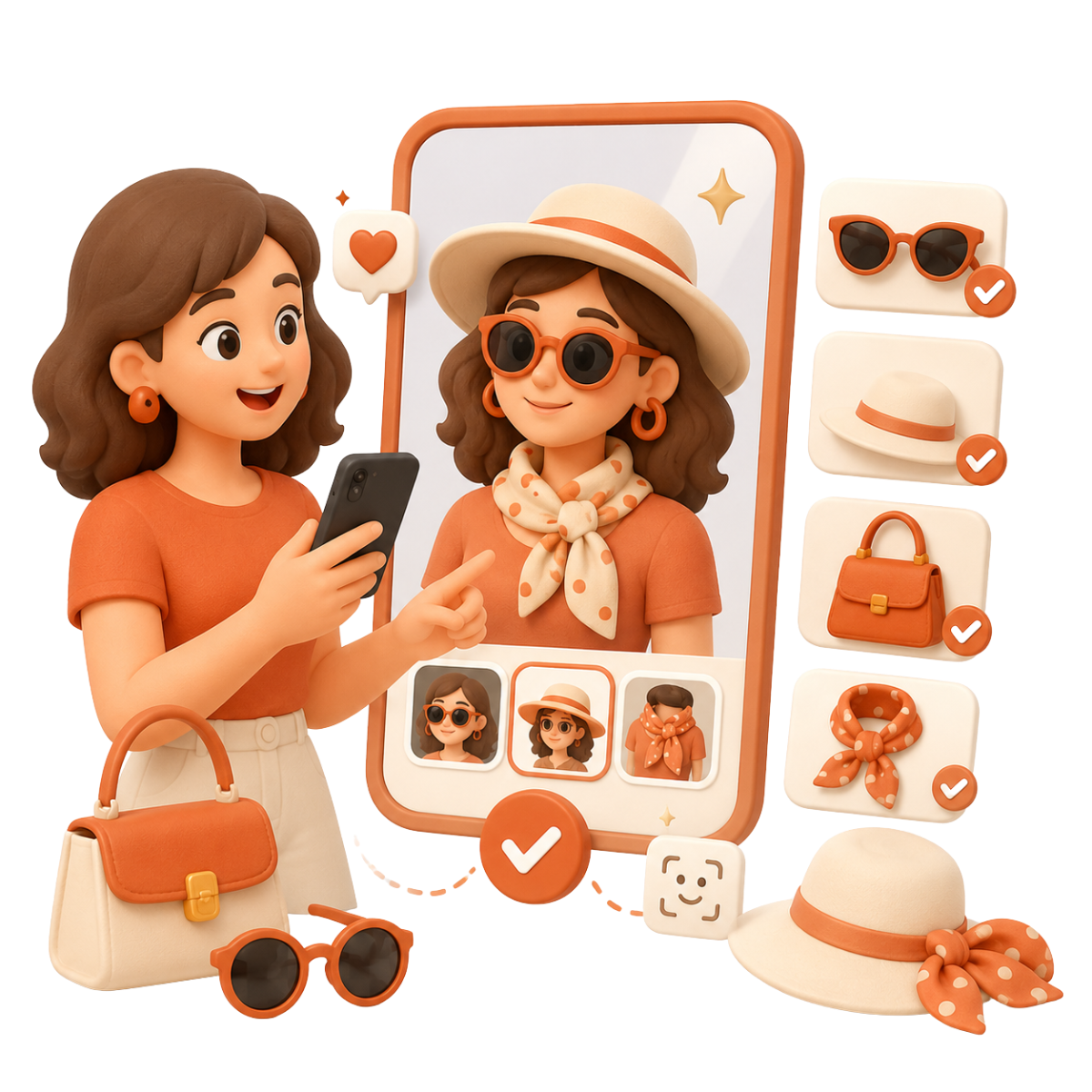
Accessories
Glasses, hats, bags, and scarves - shoppers can visualize how a new item matches their style.
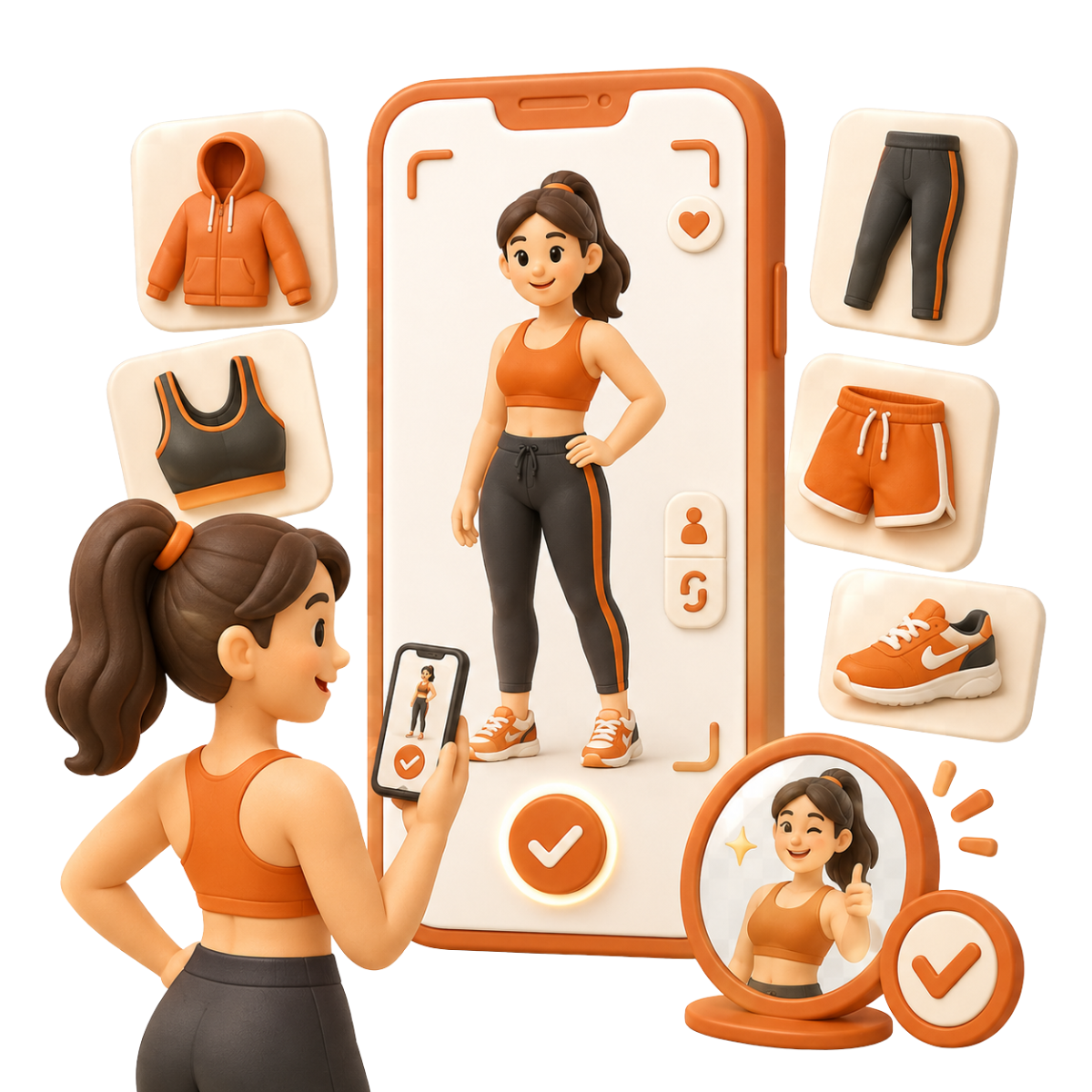
Activewear & Sportswear
Sportswear and gym wear - shoppers feel more confident when they can see the fit and look.
Virtual Try-On
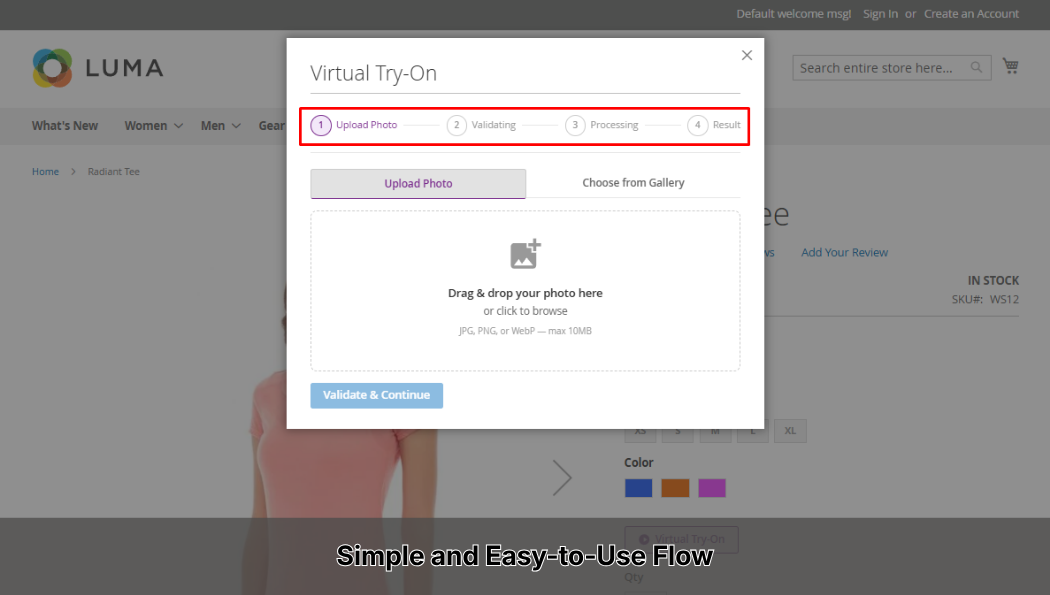
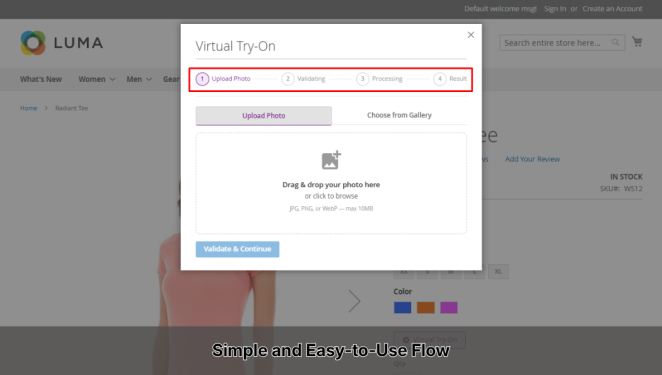
Simple and Easy-to-Use Flow
The user experience is designed to be simple: upload an image, validate it, and view the result. The whole process happens directly on the product page in a popup, so shoppers can try the feature without shopping journey interruption.
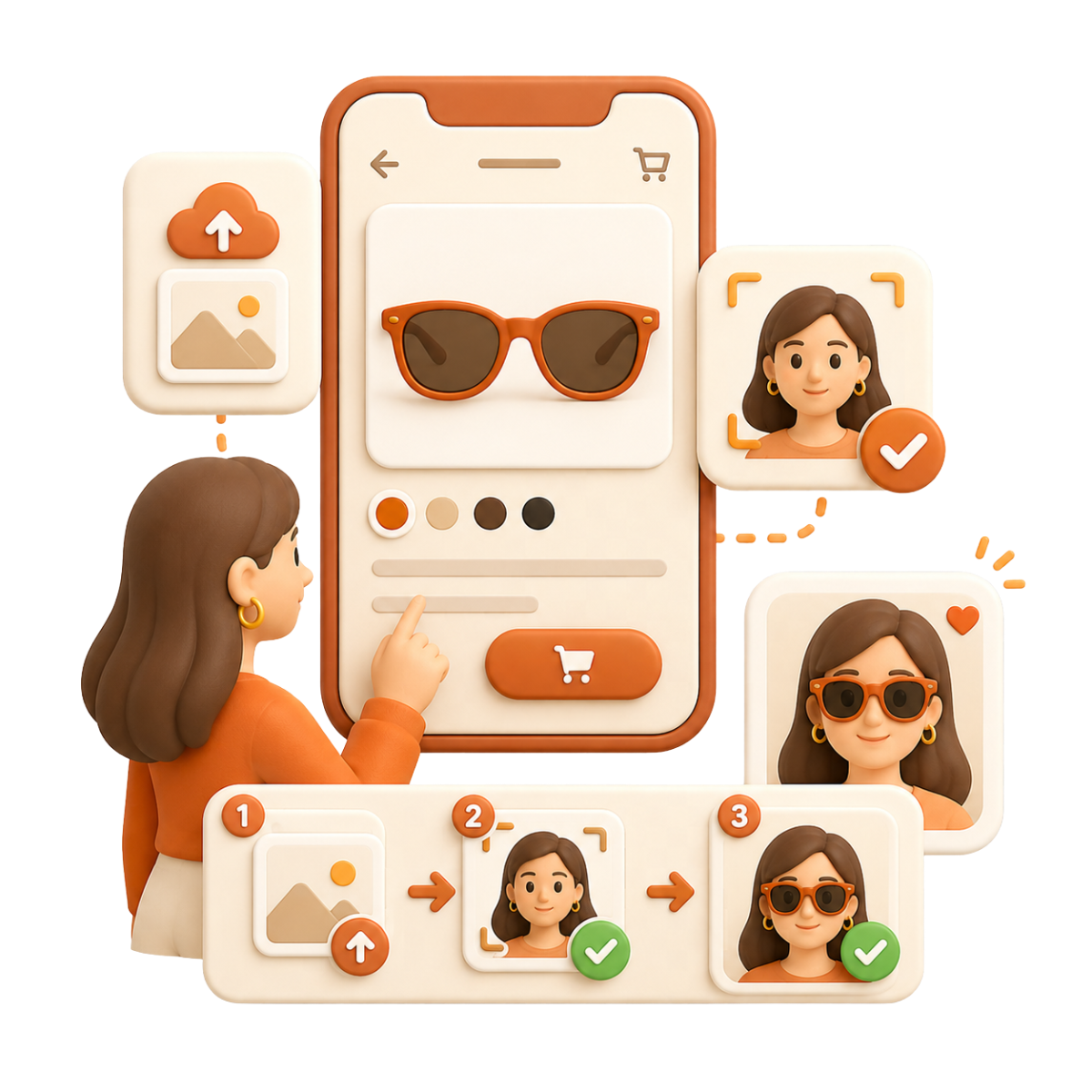
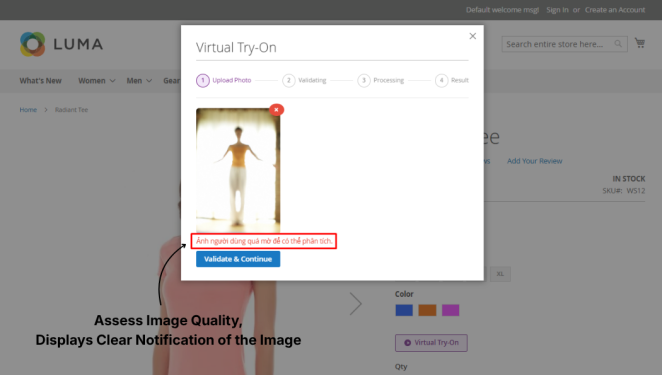
Make Sure The Quality of Input Images to Get Accurate Results
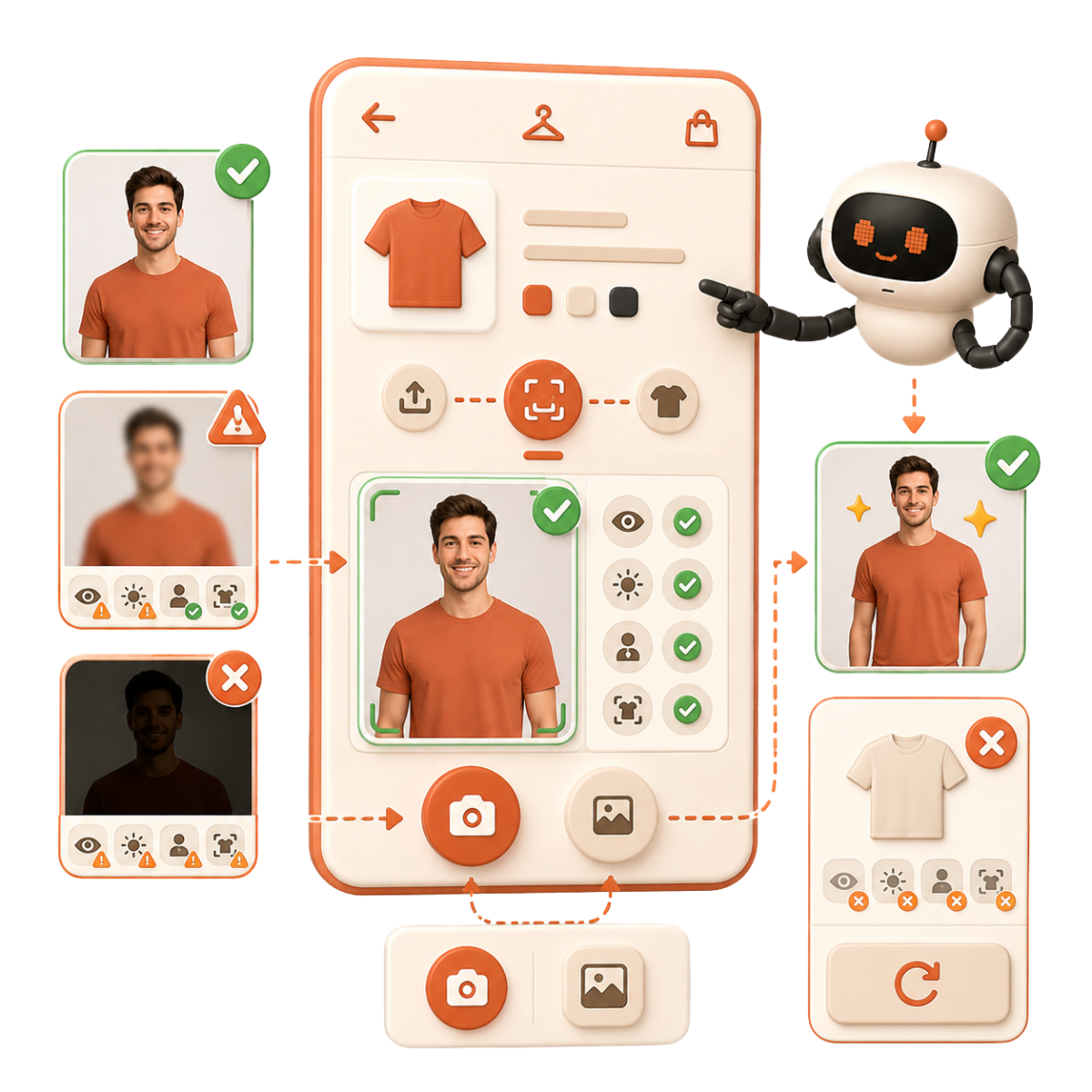
Before generating the try-on result, the system uses AI to check the quality and suitability of the uploaded image. Factors such as image clarity, lighting, shooting angle, and body area detection are evaluated to ensure the image is ready for processing.
If the image does not meet the requirements, the system will not continue with the try-on step. Instead, it displays a clear notification to help users understand the issue and upload a better image or choose another one from the gallery.
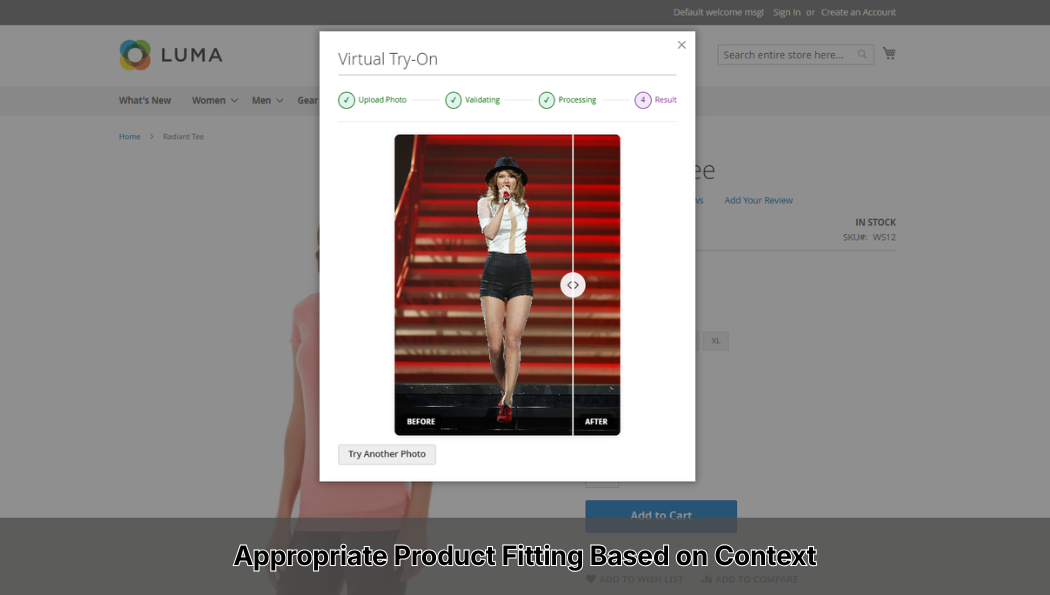
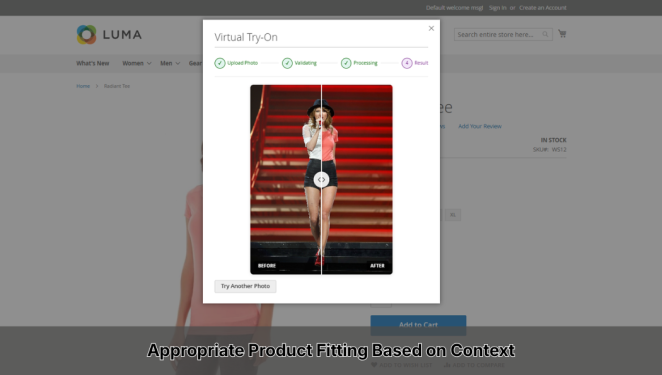
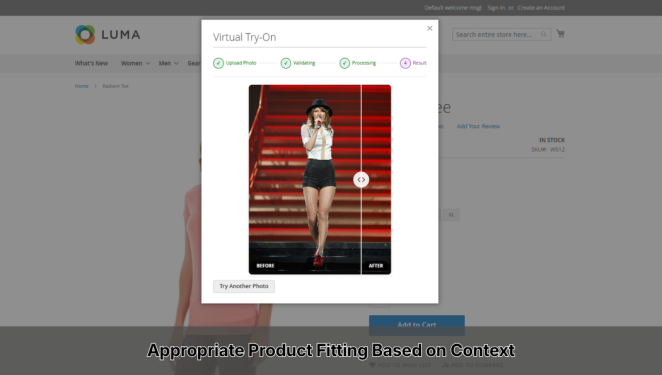
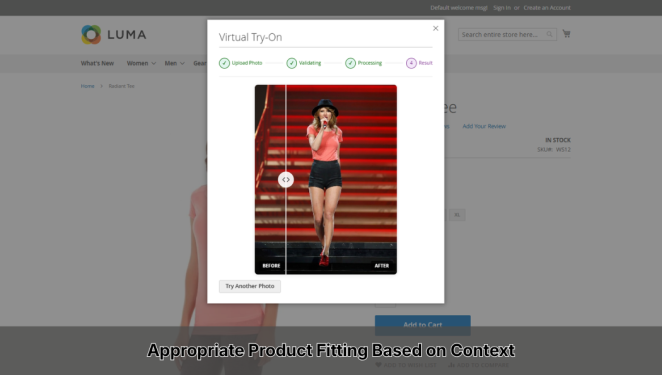
Appropriate Product Fitting Based on Context
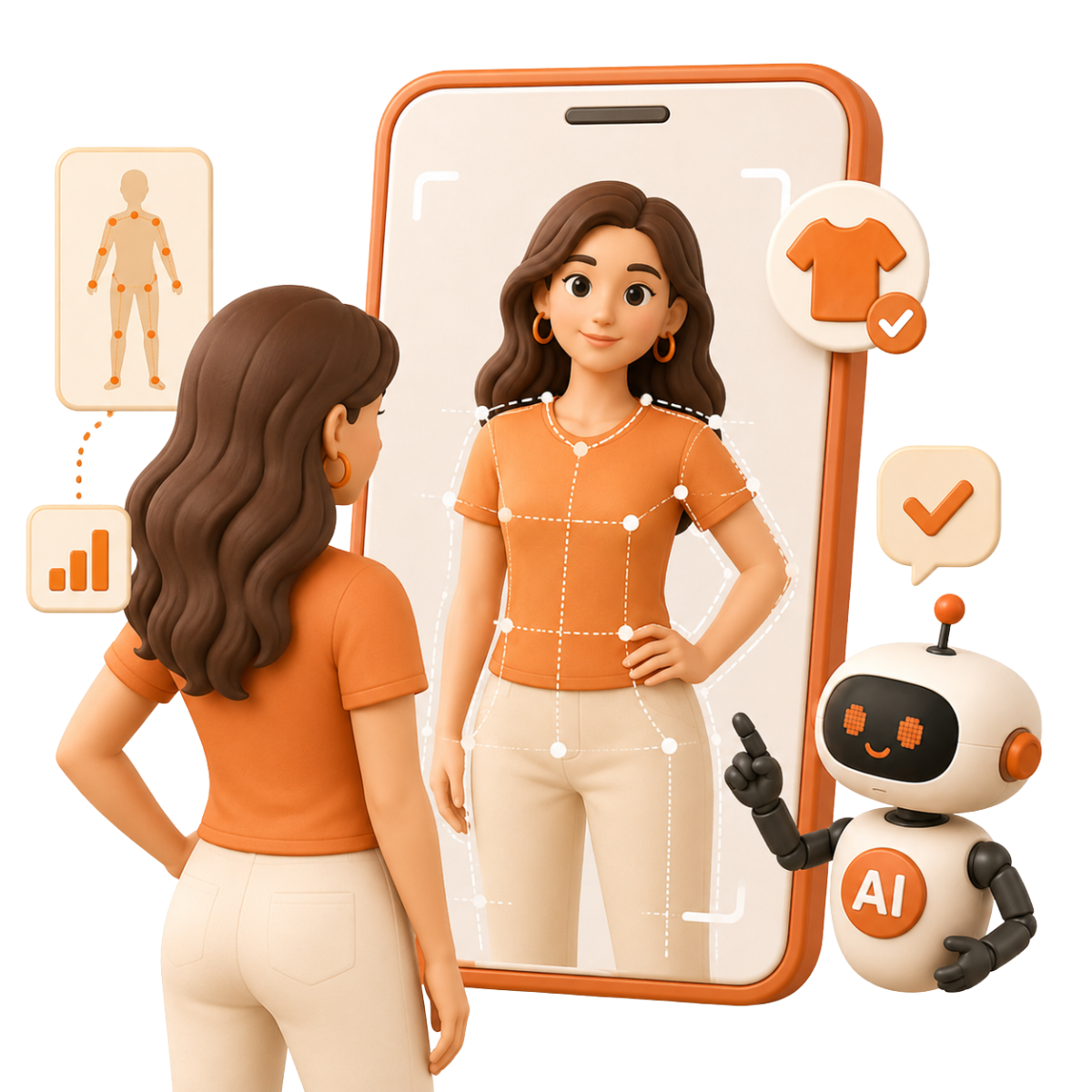
Virtual Try-On does more than simply place a product image on top of a user photo. The system uses AI to process the try-on result based on real visual context, including the correct position, proportion, and display angle of the product on the shopper’s body.
This helps create a more natural and realistic result, making it easier for customers to imagine how the product may look in real life.
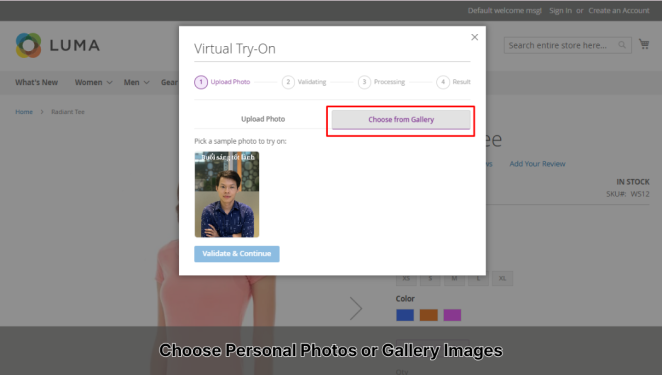
Flexible Options: Personal Photos or Gallery Images
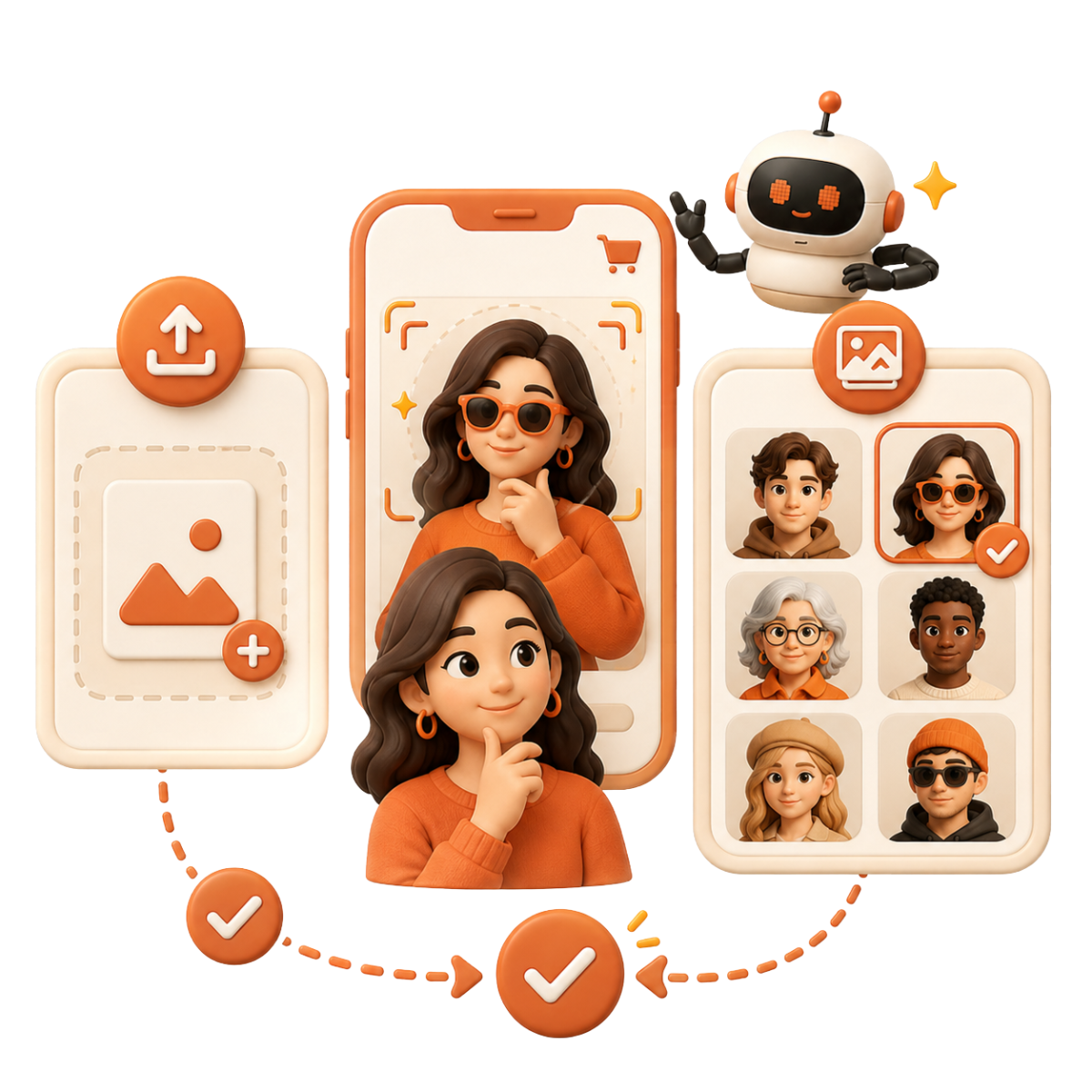
Shoppers can either upload their own photo or choose from ready-to-use images in the gallery. This reduces friction for users who may not want to upload personal photos, while still allowing them to experience the feature.
Merchants can also build gallery image libraries by gender, age group, or style to better match different customer segments.
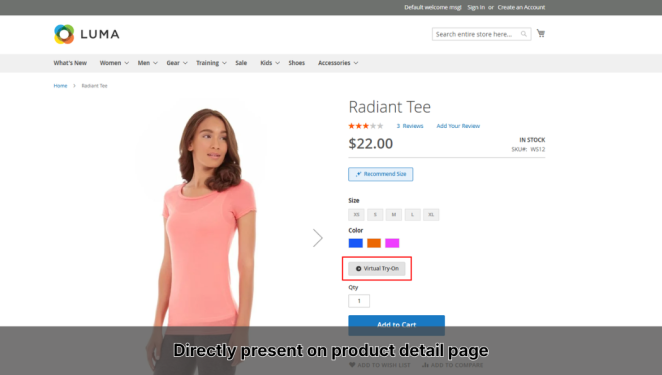
Direct Integration with Product Pages
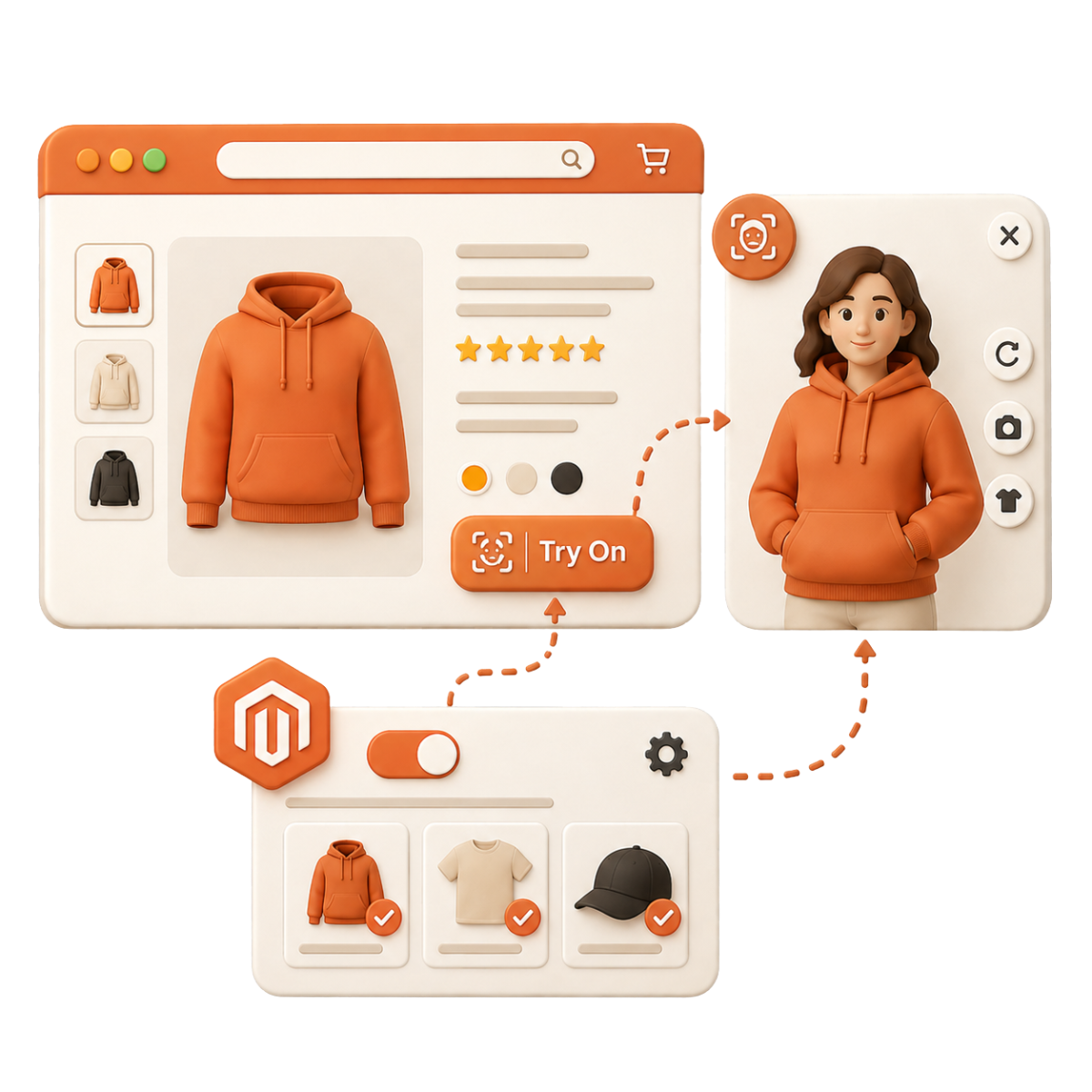
Virtual Try-On is integrated directly into the Product Detail Page through a simple action button. Shoppers can start the experience right where they are considering a purchase, without being redirected to another platform.
From a technical perspective, the feature is controlled through Magento configuration. Merchants can enable or disable Virtual Try-On flexibly for selected products without changing the store structure.
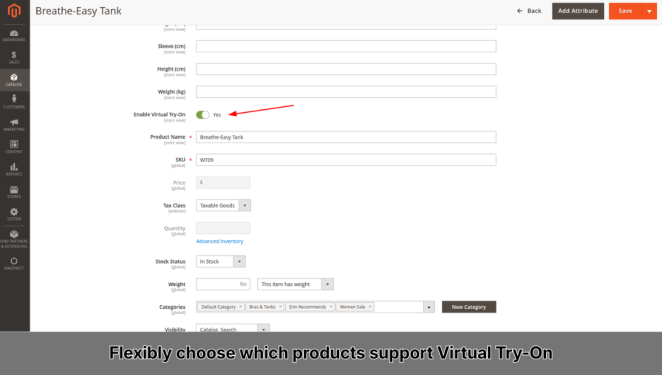
Flexible Deployment Based on Business Strategy
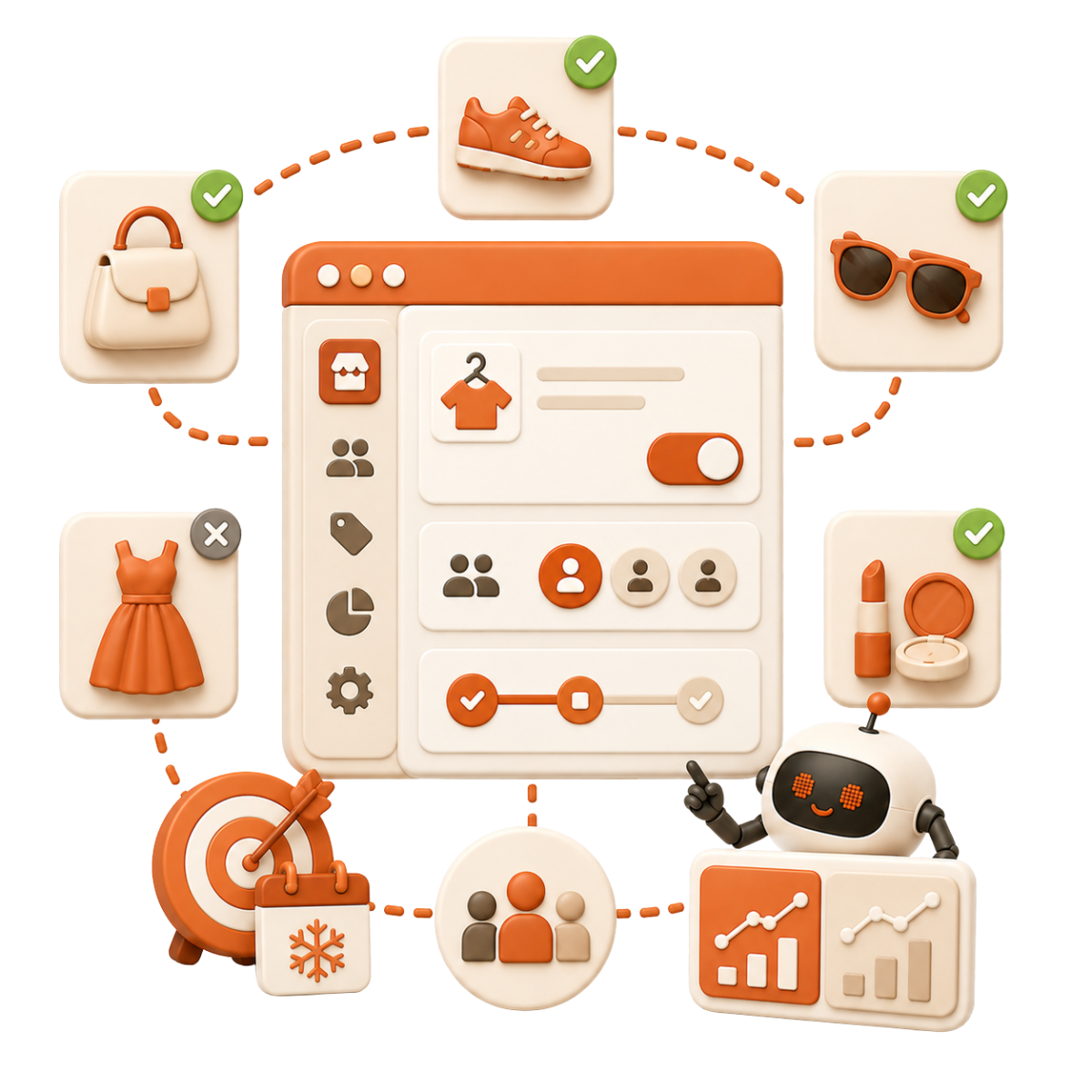
Merchants can choose which products support Virtual Try-On through the “Enable Virtual Try-On” setting in admin. This allows the feature to be launched by campaign, product line, or target customer group.
This flexibility is especially useful for A/B testing, seasonal campaigns, or optimizing the shopping experience step by step.
Reason to choose Magenest


Free lifetime
software updates

Verified by
Magento Marketplace
One-time payment
without hidden cost
Related Products