



Odoo MCP Server by Magenest
Add a review
Odoo MCP Server by Magenest
Add a review
Description
Odoo MCP Server is a gateway that connects Odoo with AI Agents through the Model Context Protocol (MCP), allowing AI to access and perform Odoo tasks directly from a conversational interface.
Instead of using AI only for Q&A, businesses can connect platforms such as Claude or Codex with Odoo to support real operational use cases. Depending on the permissions granted, AI can read, create, update, or delete data on the corresponding Odoo models.
- Connect AI Agents with Odoo through MCP
- Support Claude and Codex
- Interact with Odoo data through conversation
- Configure access by Odoo model
- Control Read, Write, Create, and Delete permissions separately
- Inherit Odoo’s existing user permission system
- Authenticate with Odoo accounts
- Control tools that require approval


Details
Connect AI Agents with Odoo Through MCP
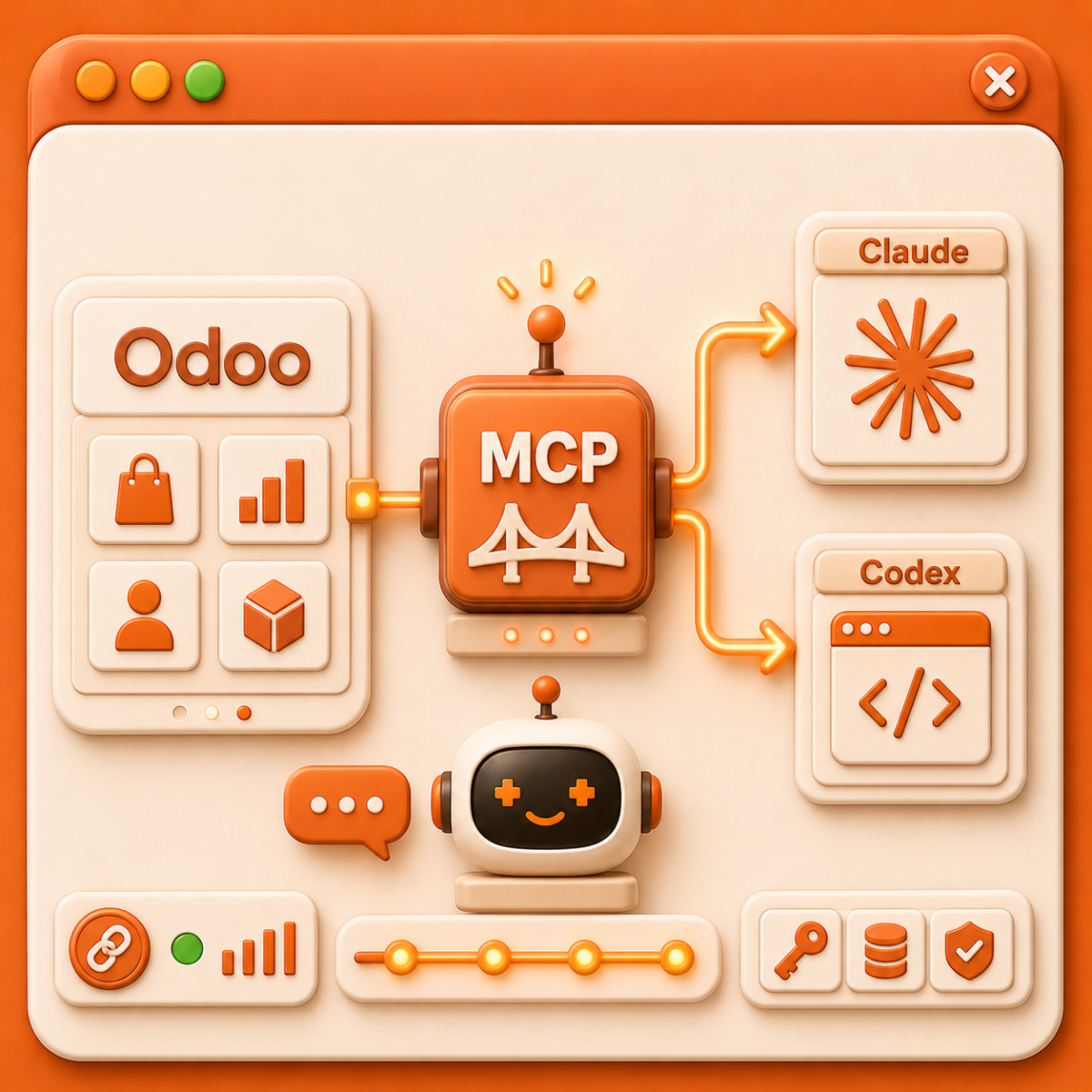
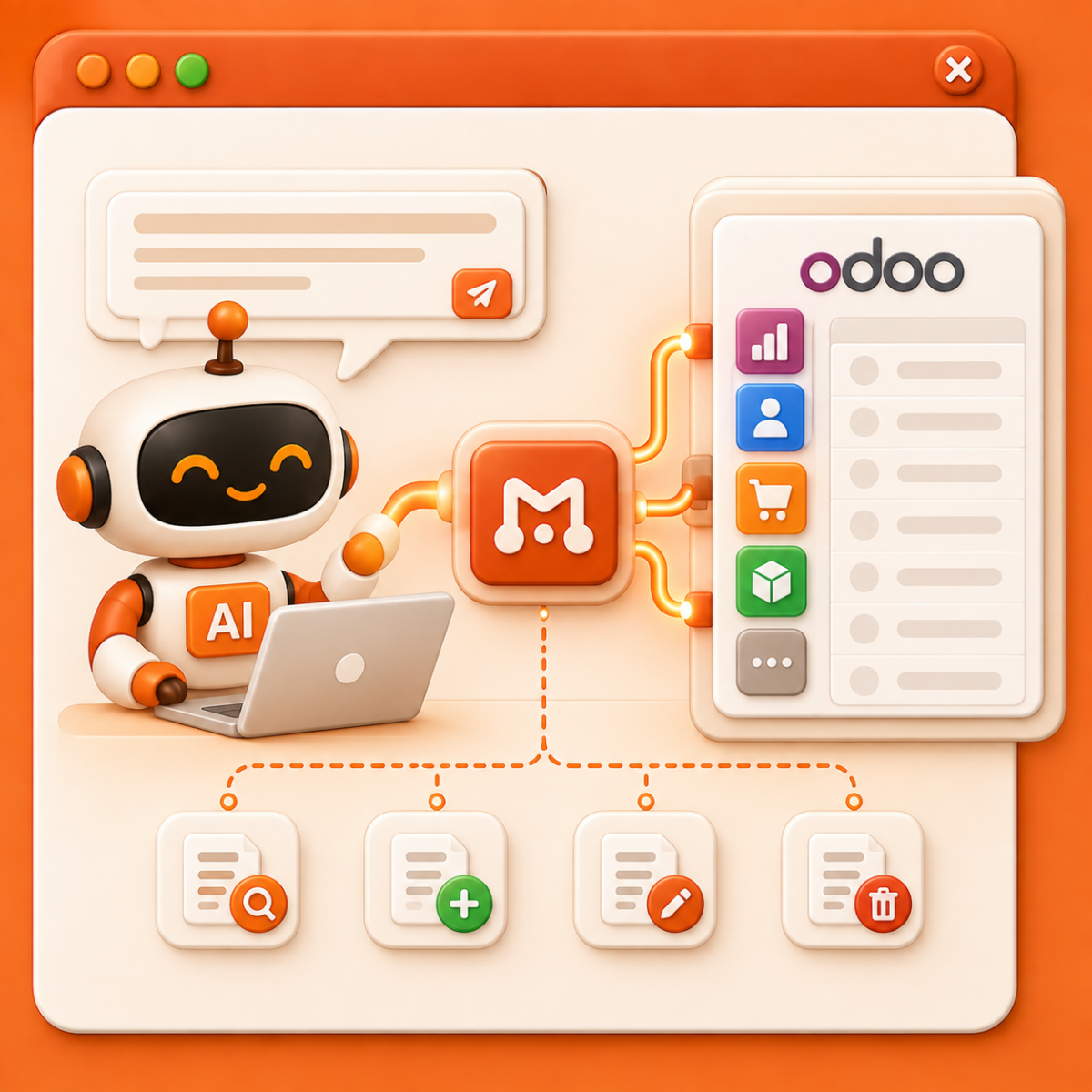
Odoo MCP Server acts as a bridge between Odoo and MCP-compatible AI Agents, allowing users to interact with Odoo data directly from an AI interface.
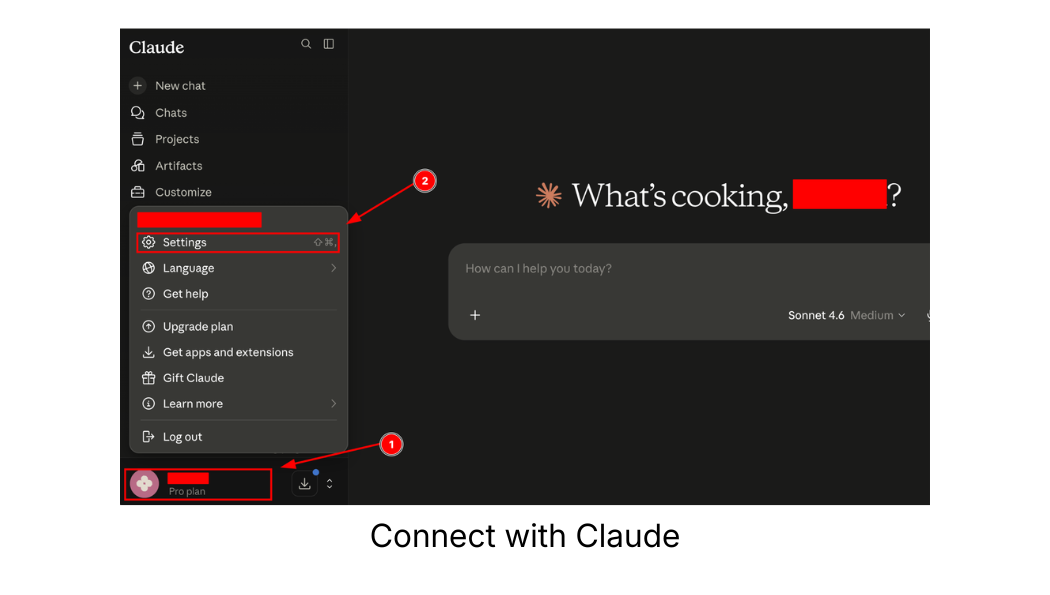
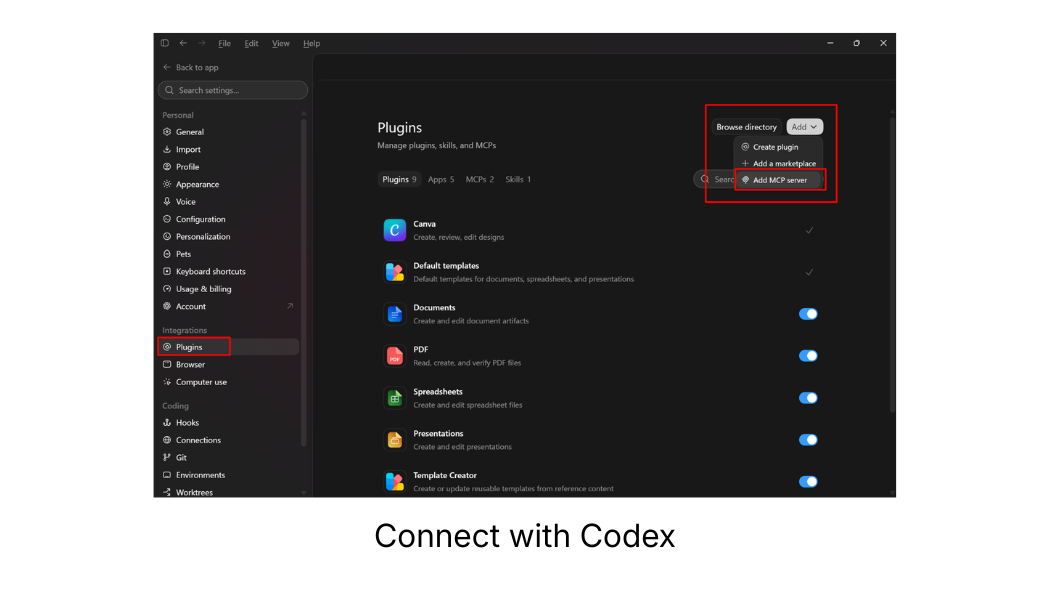
Users can connect Odoo with Claude or Codex. For Claude, Odoo MCP is added as a Custom Connector. For Codex, the MCP Server is configured through StreamableHTTP. Once connected, the AI Agent can use the permitted tools to access and perform actions on Odoo data within the configured scope.
Work with Odoo Through AI Chat
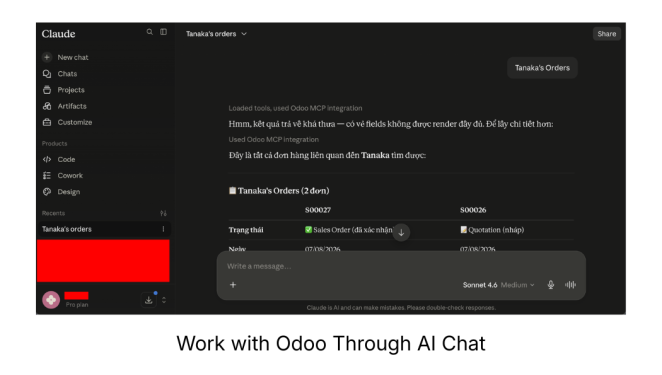
Users can ask AI to complete tasks instead of navigating through multiple Odoo screens manually. Through MCP Server, the AI Agent uses approved tools to interact with the corresponding data in Odoo.
Depending on the permission scope, AI can support actions such as reading, creating, updating, or deleting records.
Control AI and User Access
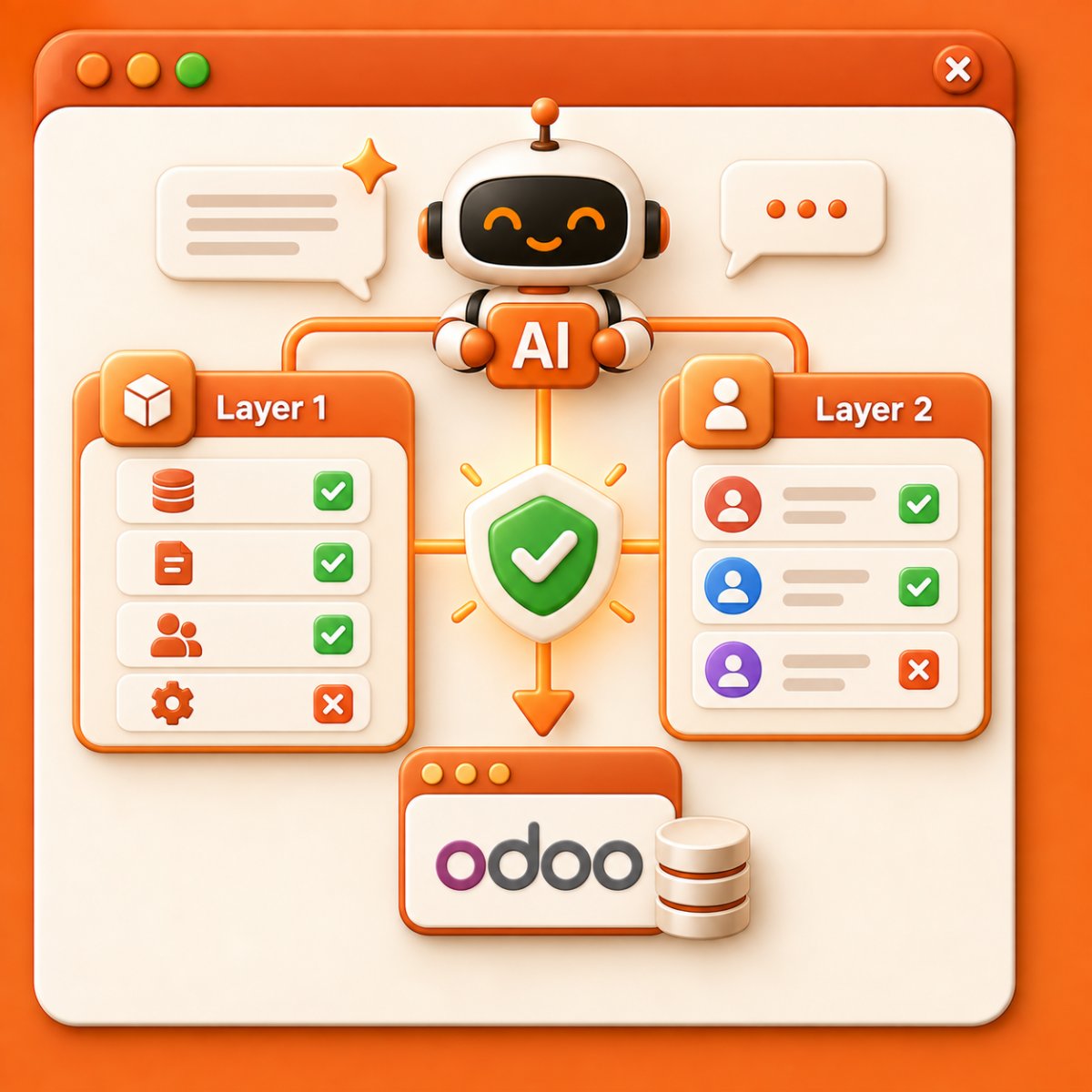
Odoo MCP Server uses two layers of permission control to determine whether AI is allowed to perform a task.
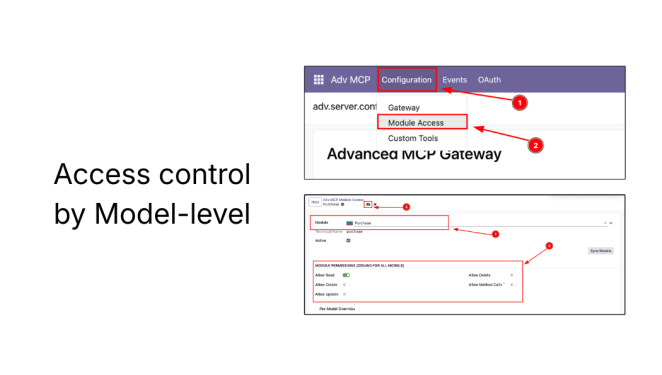
Layer 1 - Model-level access control in MCP: Administrators can define which Odoo models AI can access and what actions it can perform on each model.
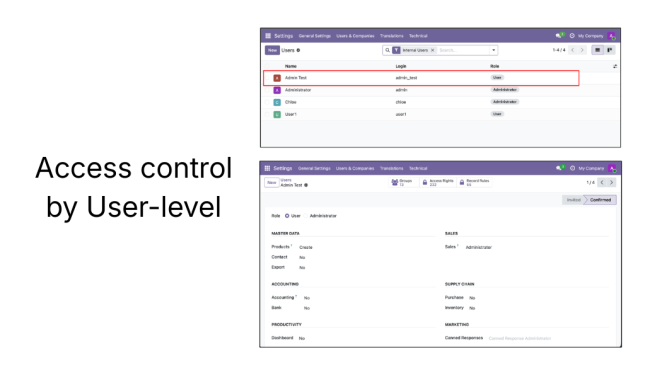
Layer 2 - User-level access control in Odoo: The AI Agent can only operate within the permissions granted to the authenticated Odoo user.
A task can only be executed when both permission layers are satisfied. This helps businesses maintain existing access governance while extending AI into their Odoo system.
Control High-Impact Actions
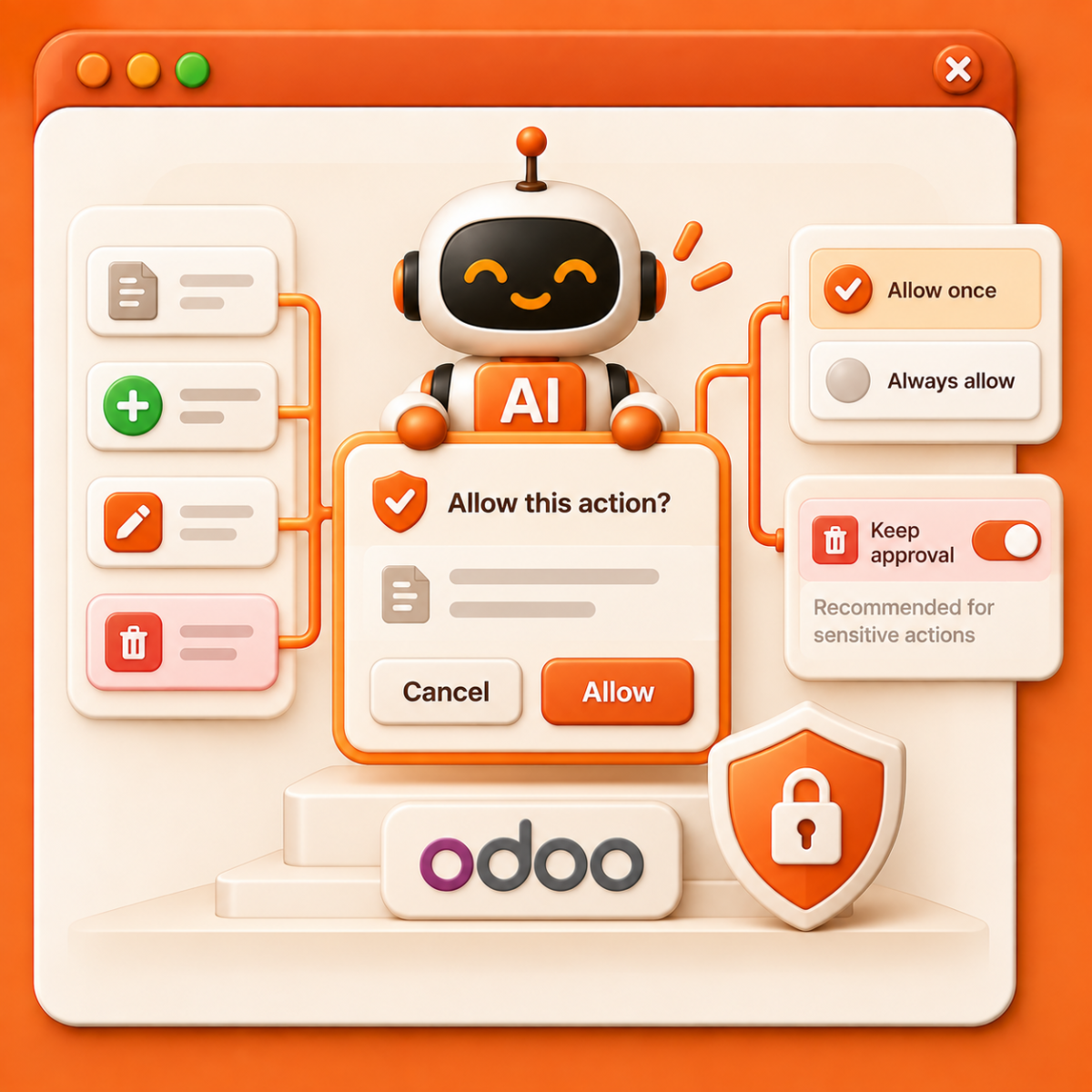
Some AI Agent tools may require user approval before they can be executed.
Depending on the AI platform, users may allow a tool to run once or always allow it without repeated confirmation. For sensitive actions such as deleting data, businesses can keep the approval step and only grant access when it is truly necessary.
How Odoo MCP Server Works
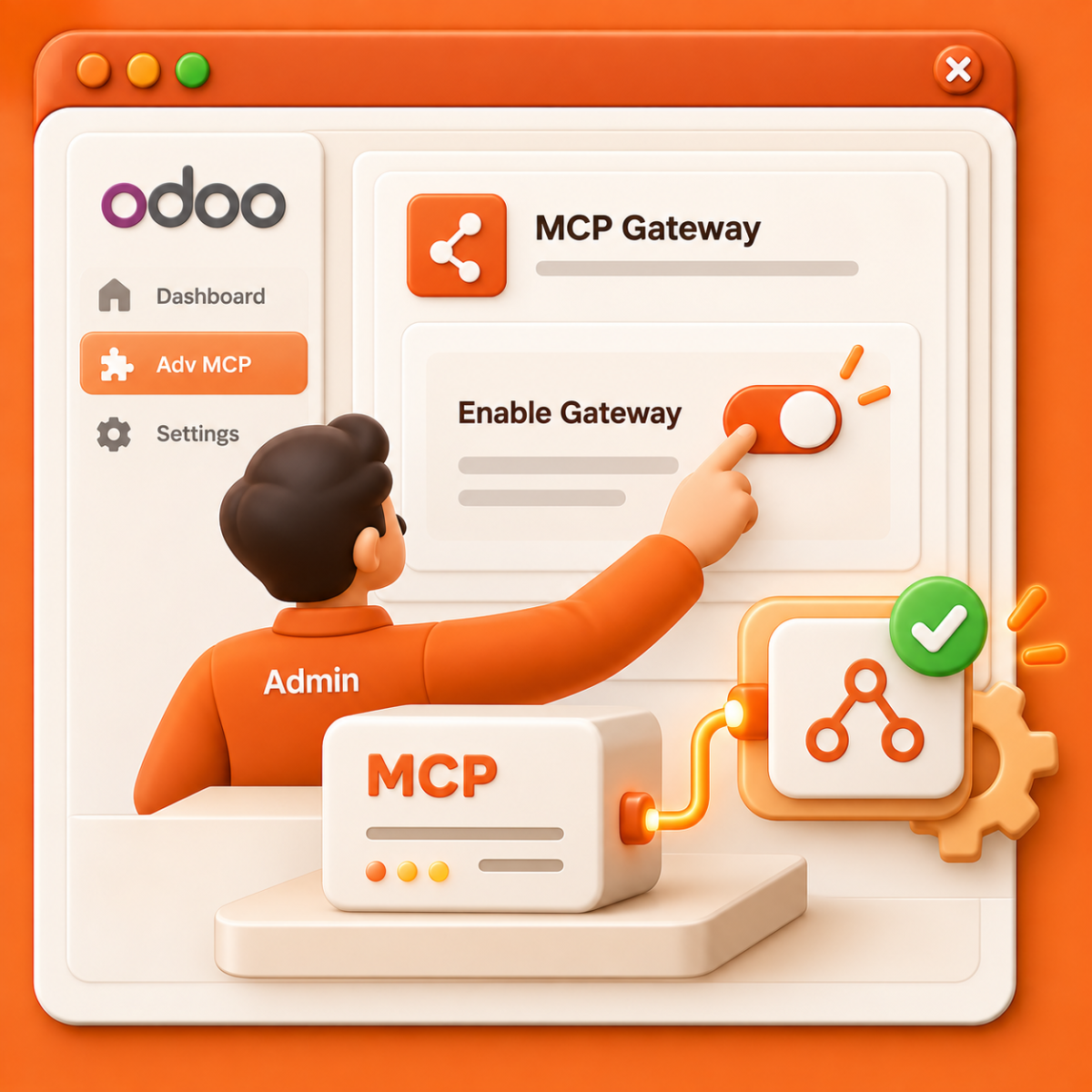
Step 1: Activate MCP Gateway
The Admin enables the Gateway in the Adv MCP module.
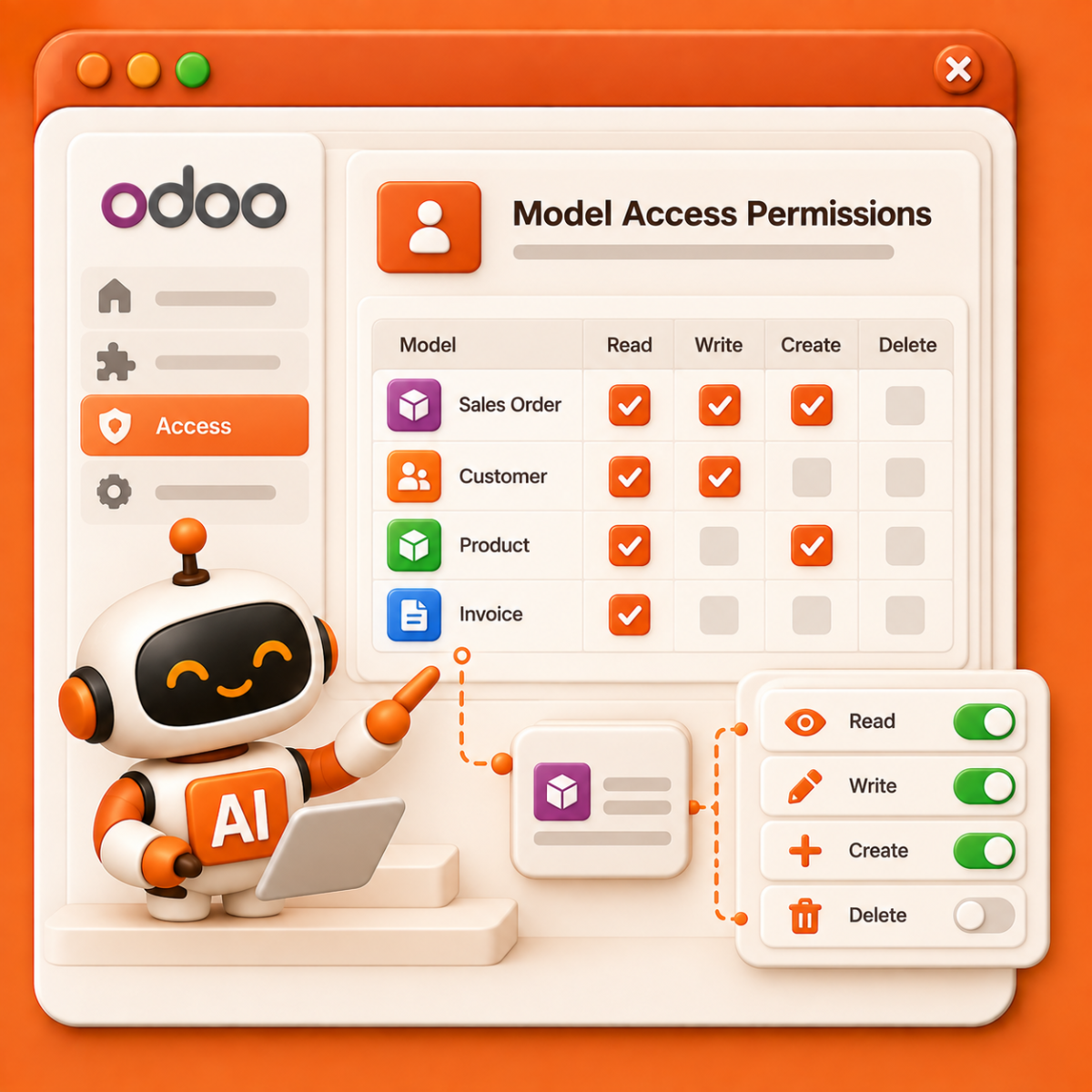
Step 2: Set Access Permissions
Configure which Odoo models AI can access and assign the corresponding Read, Write, Create, or Delete permissions.
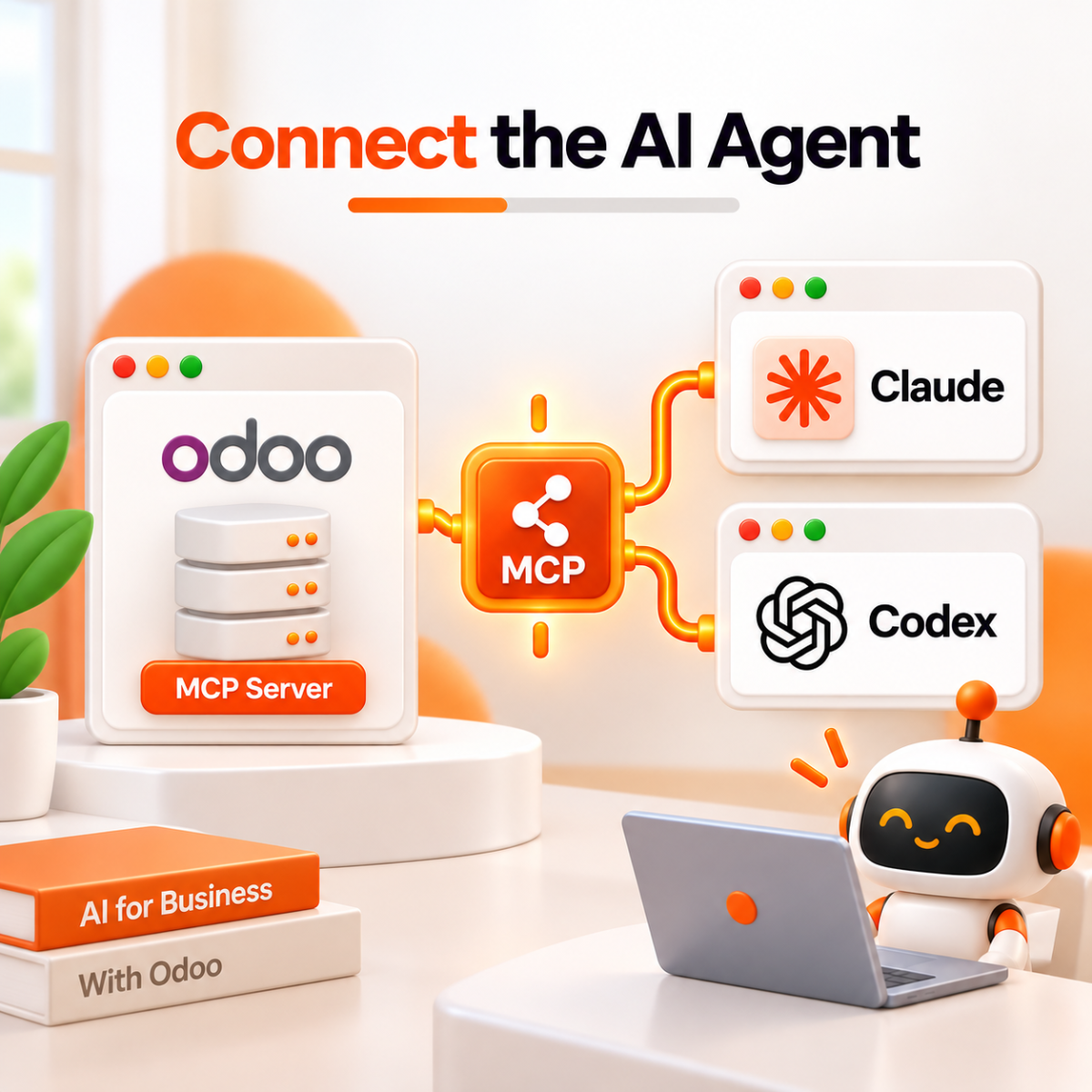
Step 3: Connect the AI Agent
Add Odoo MCP Server to an MCP-compatible AI platform such as Claude or Codex.
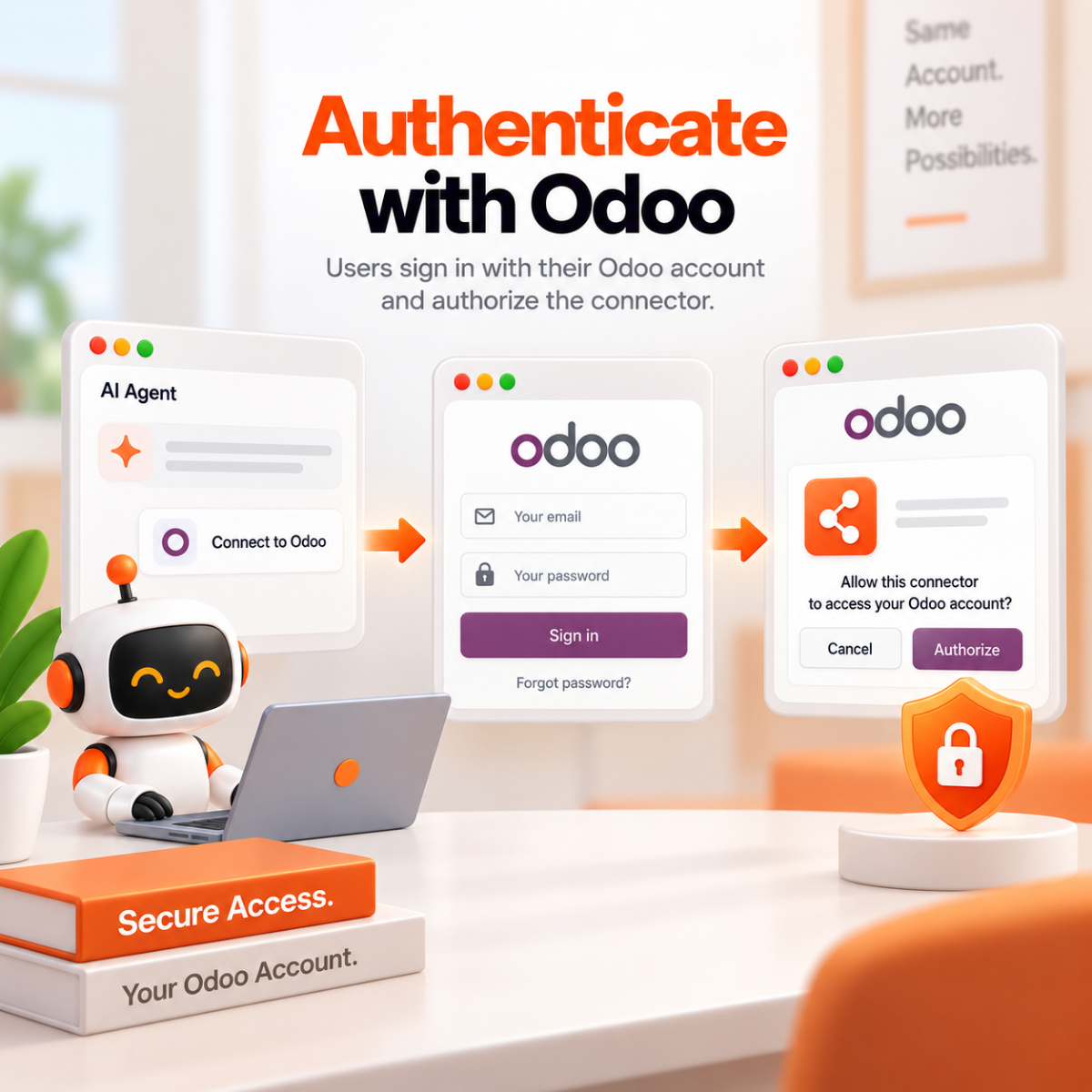
Step 4: Authenticate with Odoo
Users sign in with their Odoo account and authorize the connector.
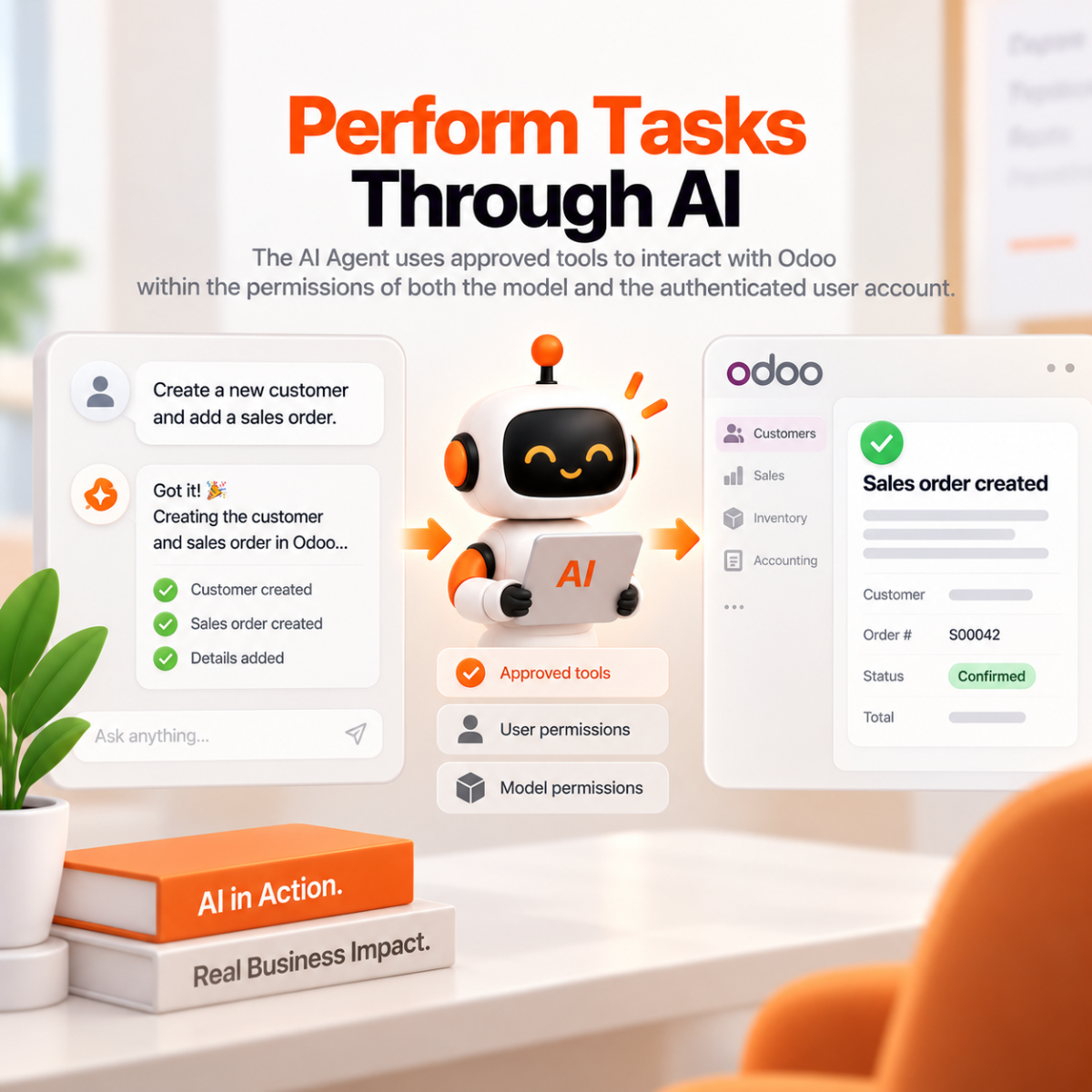
Step 5: Perform Tasks Through AI
The AI Agent uses approved tools to interact with Odoo within the permissions of both the model and the authenticated user account.
Business Value from Odoo MCP Server
-
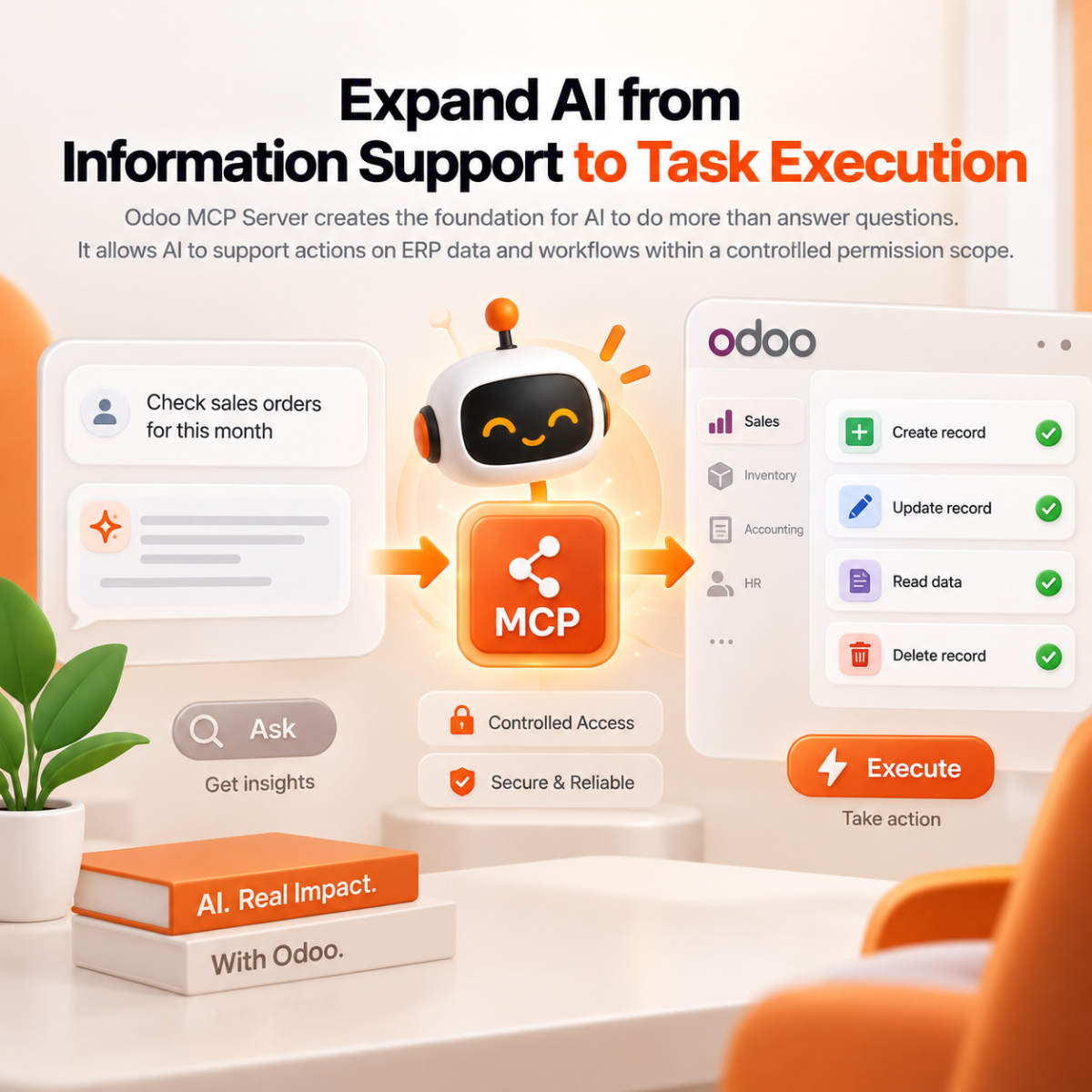
Expand AI from Information Support to Task Execution
Odoo MCP Server creates the foundation for AI to do more than answer questions. It allows AI to support actions on ERP data and workflows within a controlled permission scope.
-
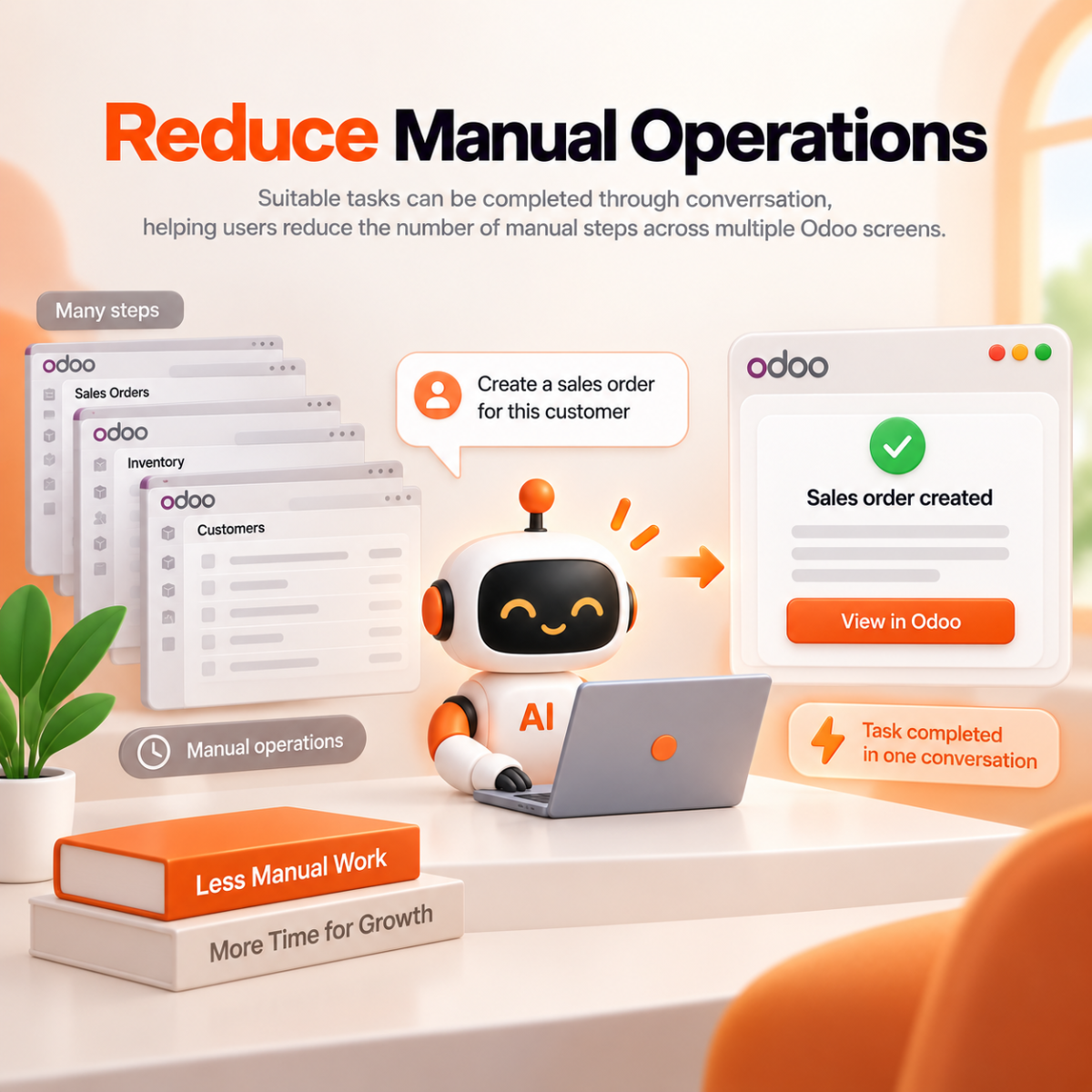
Reduce Manual Operations
Suitable tasks can be completed through conversation, helping users reduce the number of manual steps across multiple Odoo screens.
-
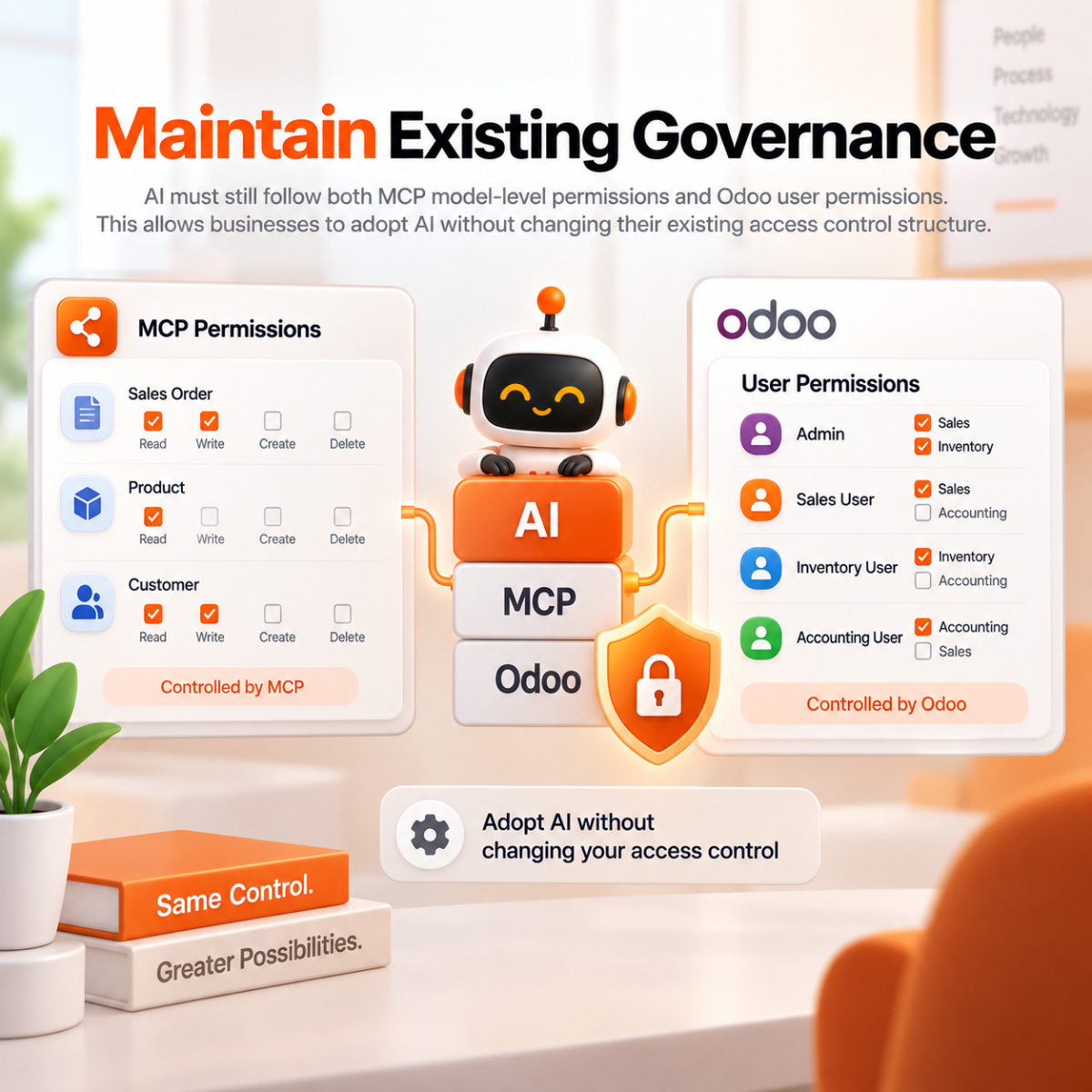
Maintain Existing Governance
AI must still follow both MCP model-level permissions and Odoo user permissions. This allows businesses to adopt AI without changing their existing access control structure.
-
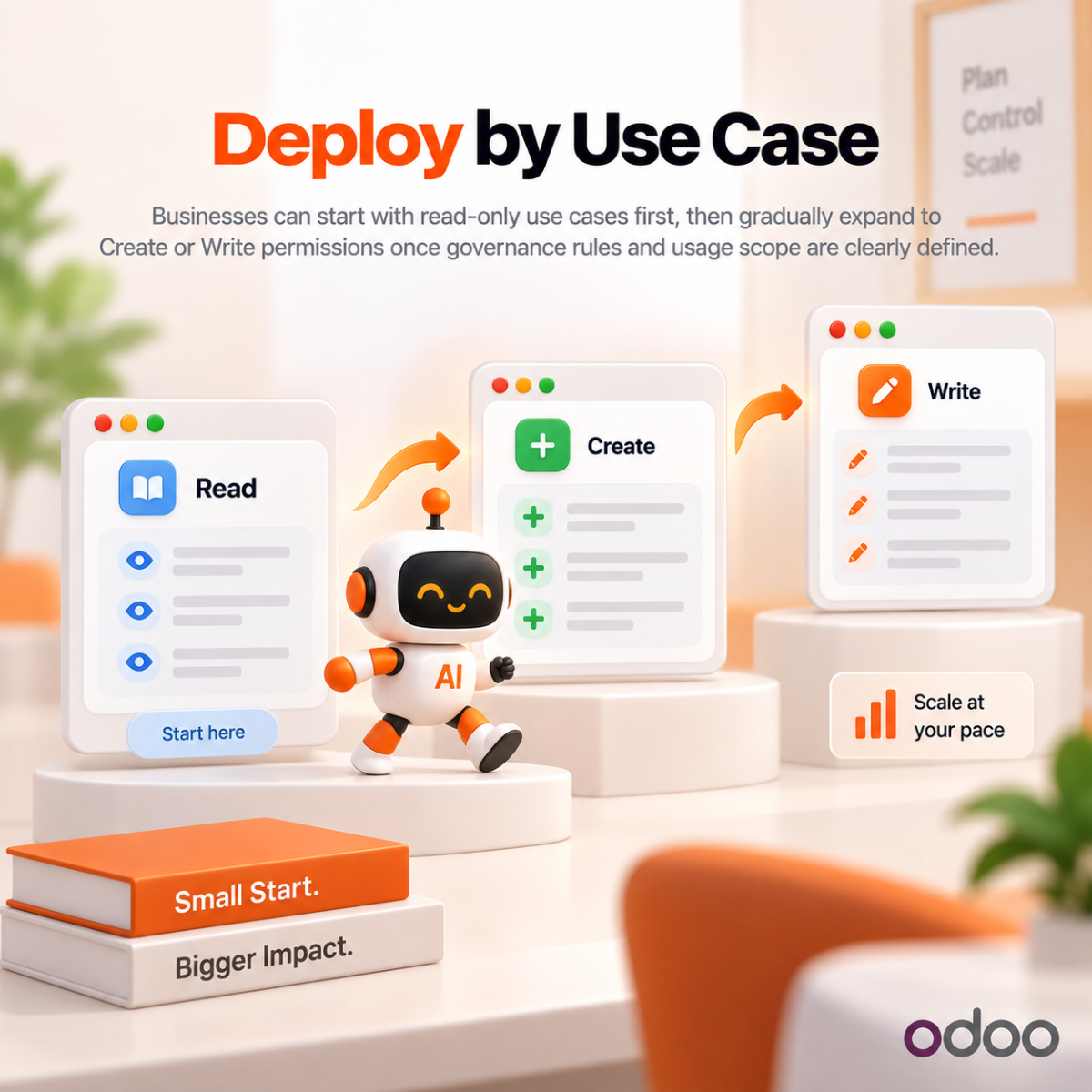
Deploy by Use Case
Businesses can start with read-only use cases first, then gradually expand to Create or Write permissions once governance rules and usage scope are clearly defined.
Reason to choose Magenest


Free lifetime
software updates

Verified by
Magento Marketplace
One-time payment
without hidden cost