


WebMCP AI Assistant by Magenest
Add a review
WebMCP AI Assistant by Magenest
Add a review
Description
WebMCP AI Assistant brings Gemini-powered chat and WebMCP integration to Magento 2 storefronts. Shoppers can use natural language to find products, check availability, and manage their carts directly on the storefront.
- Search the product catalog and filter results by price range.
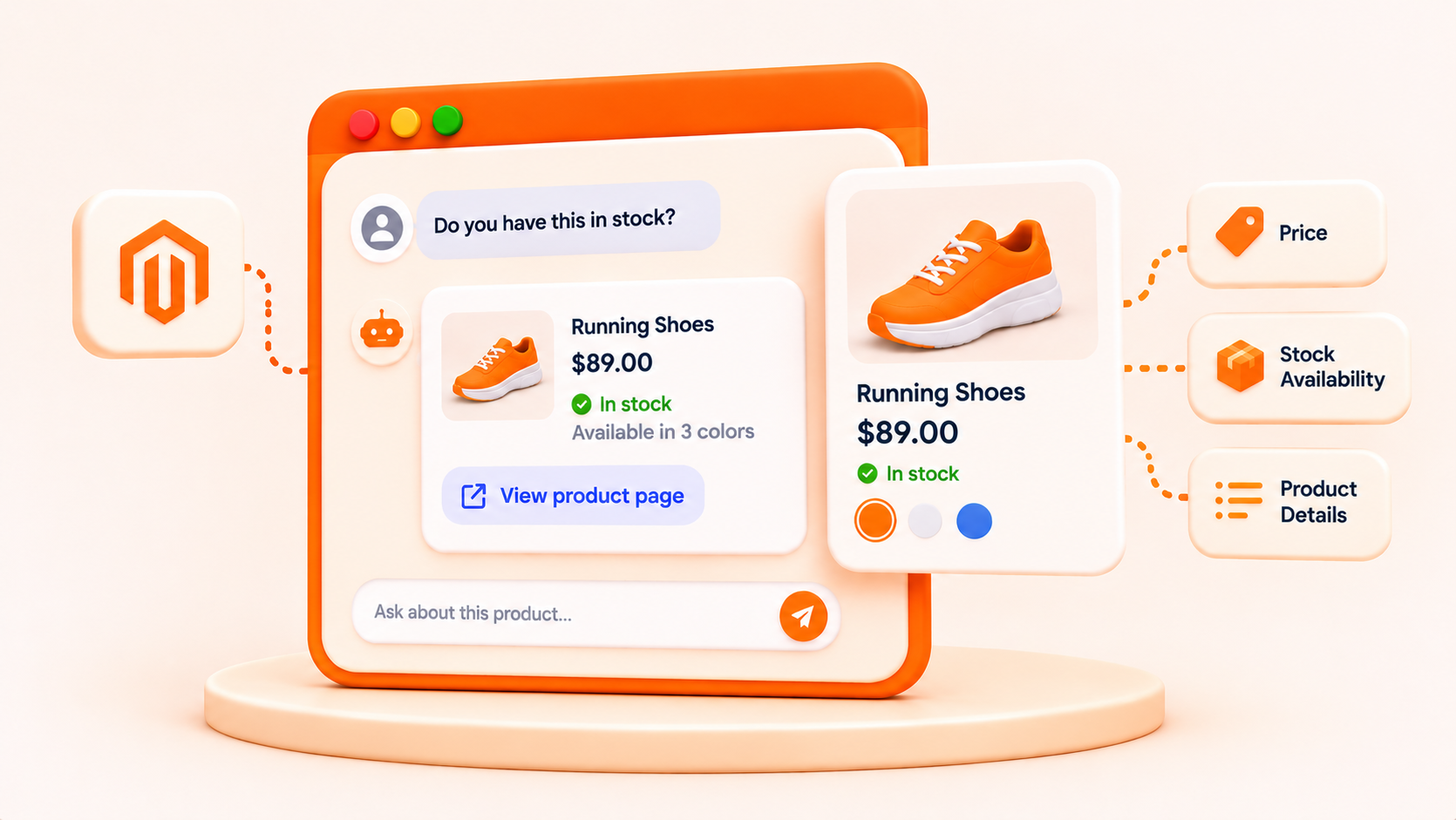
- View product details and check stock availability.
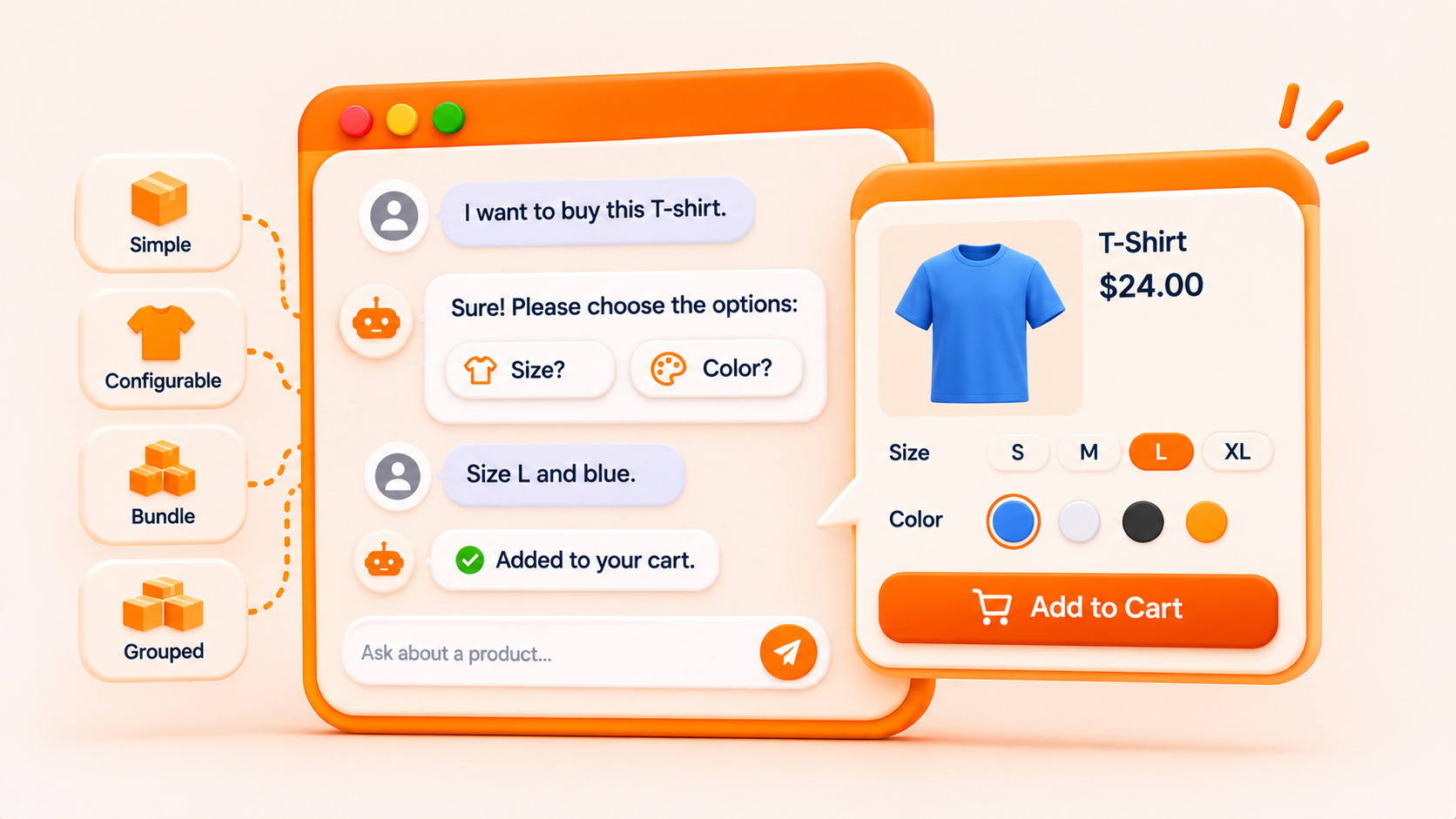
- Select options for configurable and bundle products before adding them to the cart.
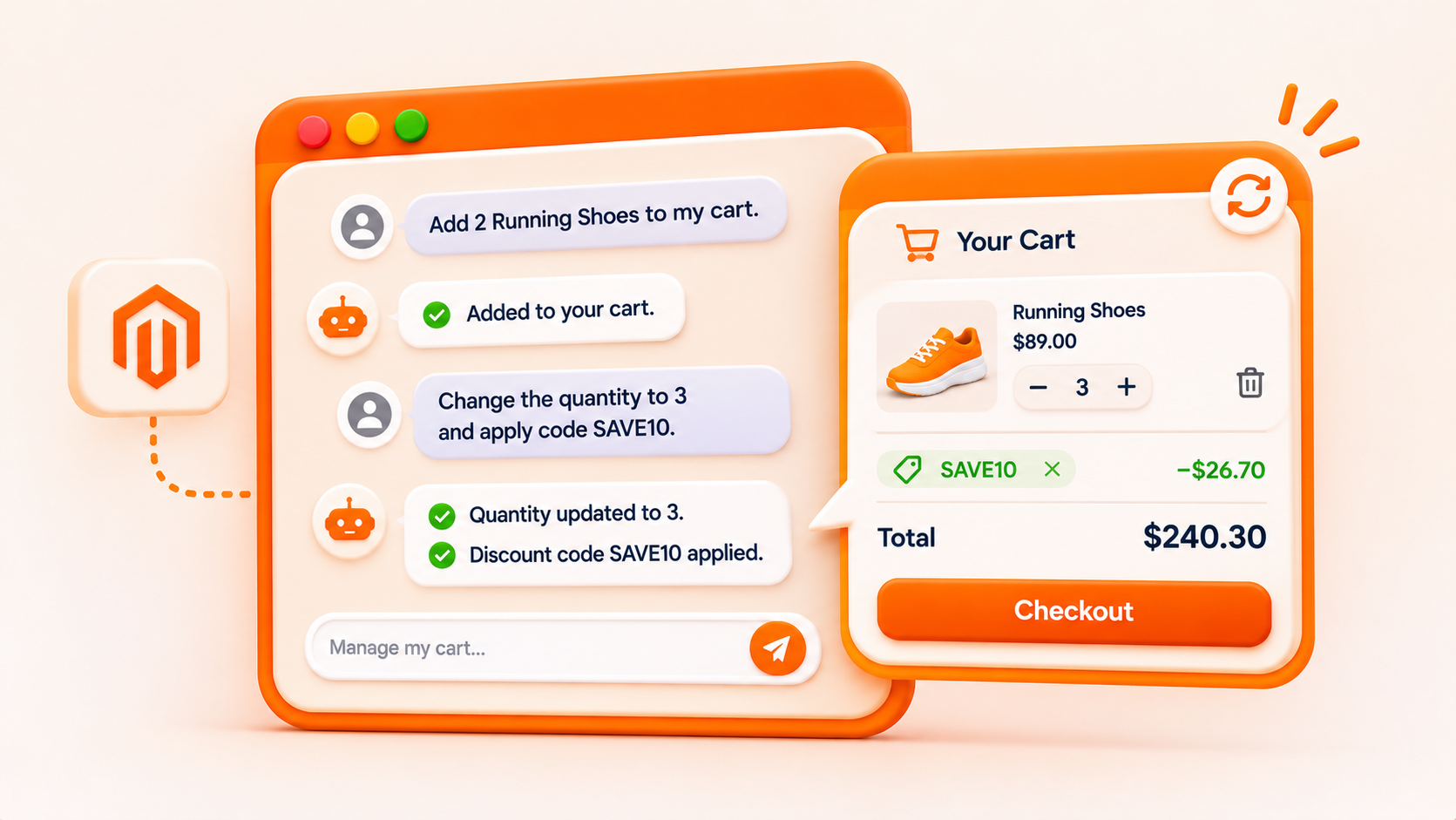
- Update cart quantities, remove items, and apply discount codes.
Shoppers enter their own Gemini API key on first use. Cart actions are available when enabled in the store configuration.
Details
Key Benefits of WebMCP AI Assistant
01
Simplify product discovery.
Search in natural language and filter results by price.
02
Shop from a single chat.
View product details, check stock, and manage the cart when cart tools are enabled.
03
Guide product selection.
Help shoppers choose sizes, colors, bundle options, or items within grouped products.
04
Support compatible AI agents.
Expose enabled storefront tools to compatible agents in browsers with WebMCP enabled.
05
Integrate with Magento.
Pull product data from the Magento catalog and apply cart changes directly in Magento.
Who Can Benefit from WebMCP AI Assistant?
WebMCP AI Assistant is designed for merchants running Magento 2.4.7 or later.
<< >>
>>
Magento Store Owners
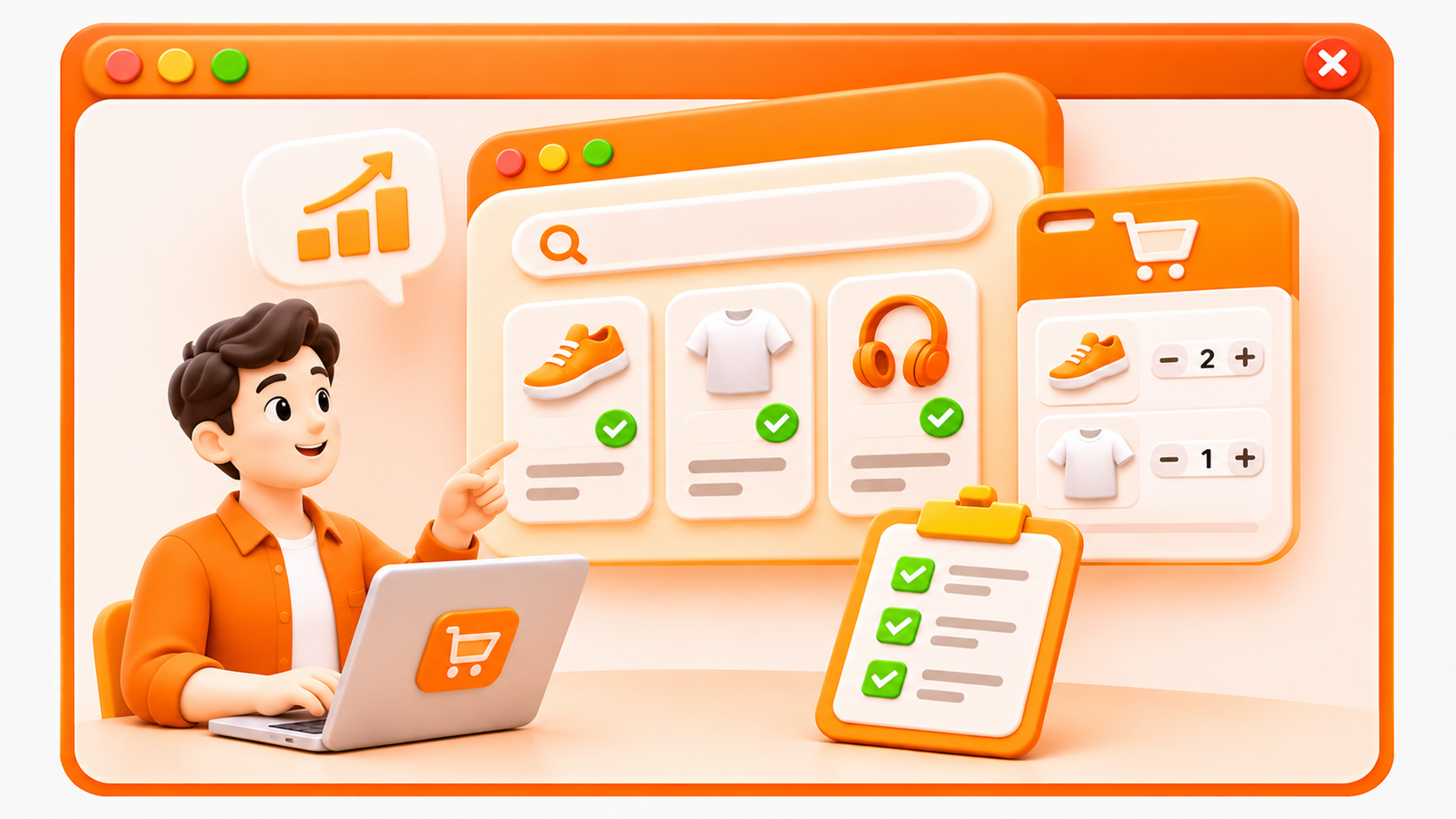
Offer shoppers conversational product search and cart management directly on the storefront.
< >
>
eCommerce Managers
Help shoppers find products, check availability, and manage their carts from a single interface.
< >
>
Retail and Fashion Businesses
Guide shoppers through product choices such as size and color before adding items to the cart.
< >
>
Multi-Category Online Stores
Help shoppers find matching items across a large catalog and narrow results by price.
< >
>
Digital Transformation Teams
Introduce AI-assisted shopping and make supported storefront tools available to compatible AI agents through WebMCP.
Key Features of WebMCP AI Assistant
FEATURE 01
AI-Powered Product Search
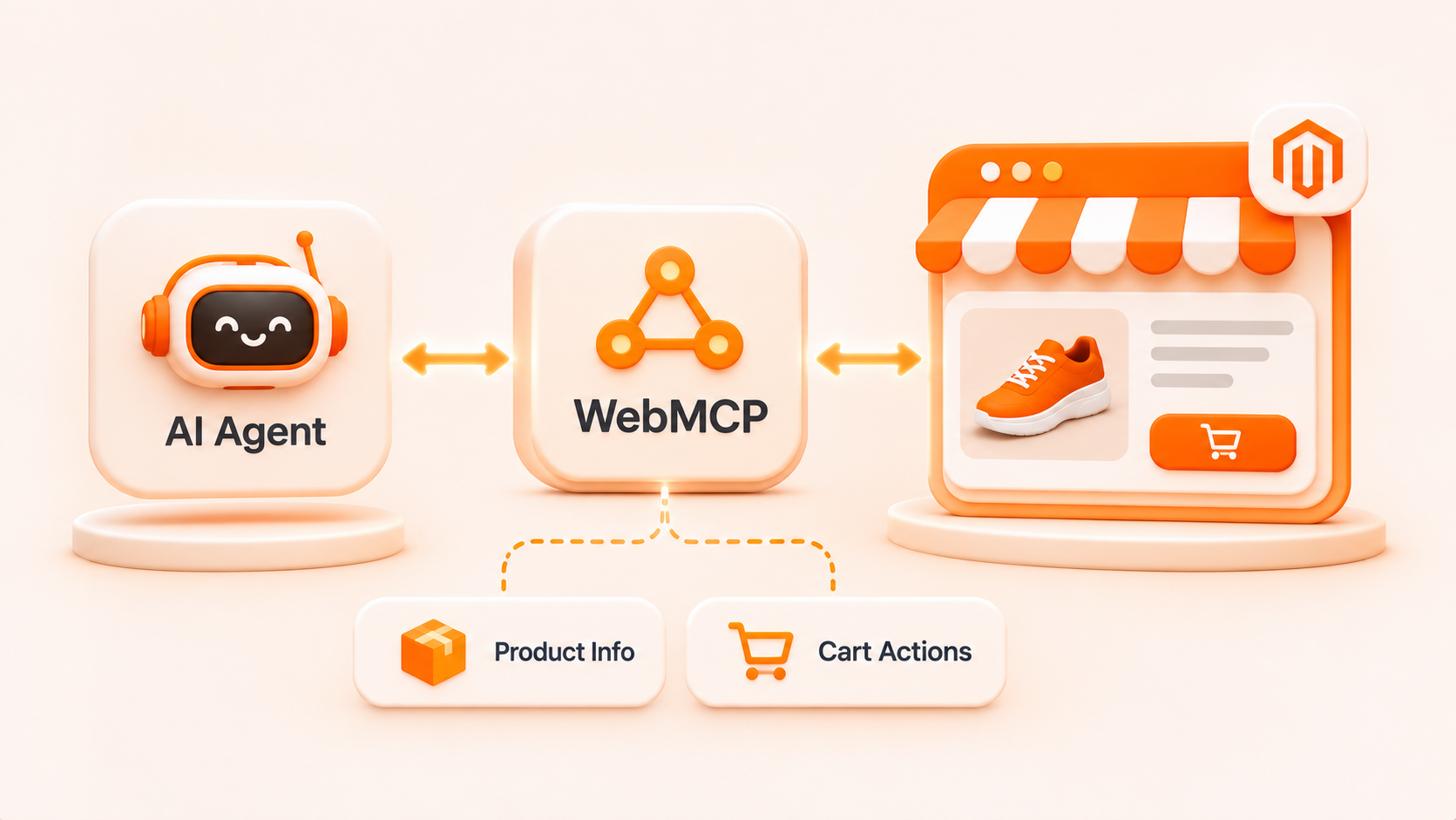
The assistant uses Google Gemini to interpret natural-language shopping requests and search the Magento product catalog. Shoppers can describe what they need, look up a specific product, or narrow matching results by price range.

FEATURE 02
Product Information and Stock Availability
The assistant retrieves product details, pricing, and stock availability from Magento. Shoppers can view the information in chat or ask the assistant to open the product page.
FEATURE 03
AI-Assisted Shopping Cart Management
When cart tools are enabled, shoppers can add products, update quantities, remove items, and apply discount codes through chat. The Magento minicart refreshes after successful changes.
FEATURE 04
Guided Product Option Selection
The assistant supports adding simple, configurable, bundle, and grouped products to the cart. When a selection is required, it asks follow-up questions to confirm details such as size, color, bundle choices, or quantities for items in a grouped product.
FEATURE 05
WebMCP Integration for Compatible AI Agents
The module registers enabled storefront functions as structured WebMCP tools. Compatible AI agents can use these tools to retrieve product information or perform enabled cart actions in browsers with WebMCP support enabled.
FEATURE 06
Flexible Configuration in Magento Admin
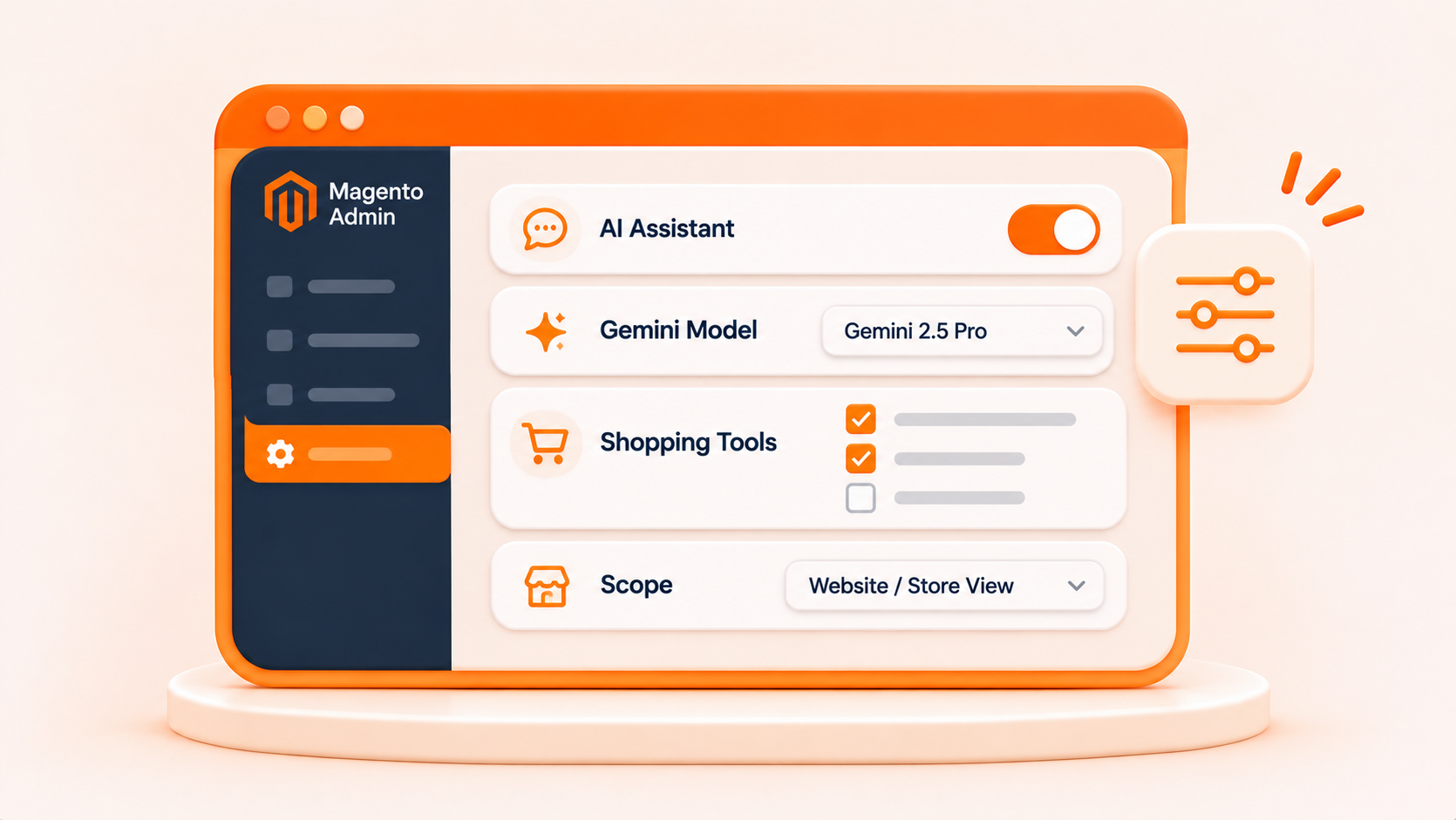
Store administrators can turn the assistant on or off, select the Gemini model, and manage which shopping tools are available. Settings can be configured at the website or store-view level.
How WebMCP AI Assistant Works
01
Open the Assistant
Shoppers open the chat panel on the Magento storefront and enter their own Gemini API key on first use.
02
Make a Shopping Request
Shoppers describe what they want to do, such as finding products within a price range, checking availability, or adding an item to the cart.
03
Get Results or Confirm Selections
Google Gemini interprets the request and uses the appropriate enabled tools. If more information is needed, the assistant asks the shopper to confirm choices such as size or bundle options.
04
Review the Outcome and Continue Shopping
Shoppers see matching products, requested information, or confirmation of completed actions in chat. When ready, they can proceed to checkout through the Magento storefront.
Reason to choose Magenest


Free lifetime
software updates

Verified by
Magento Marketplace
One-time payment
without hidden cost